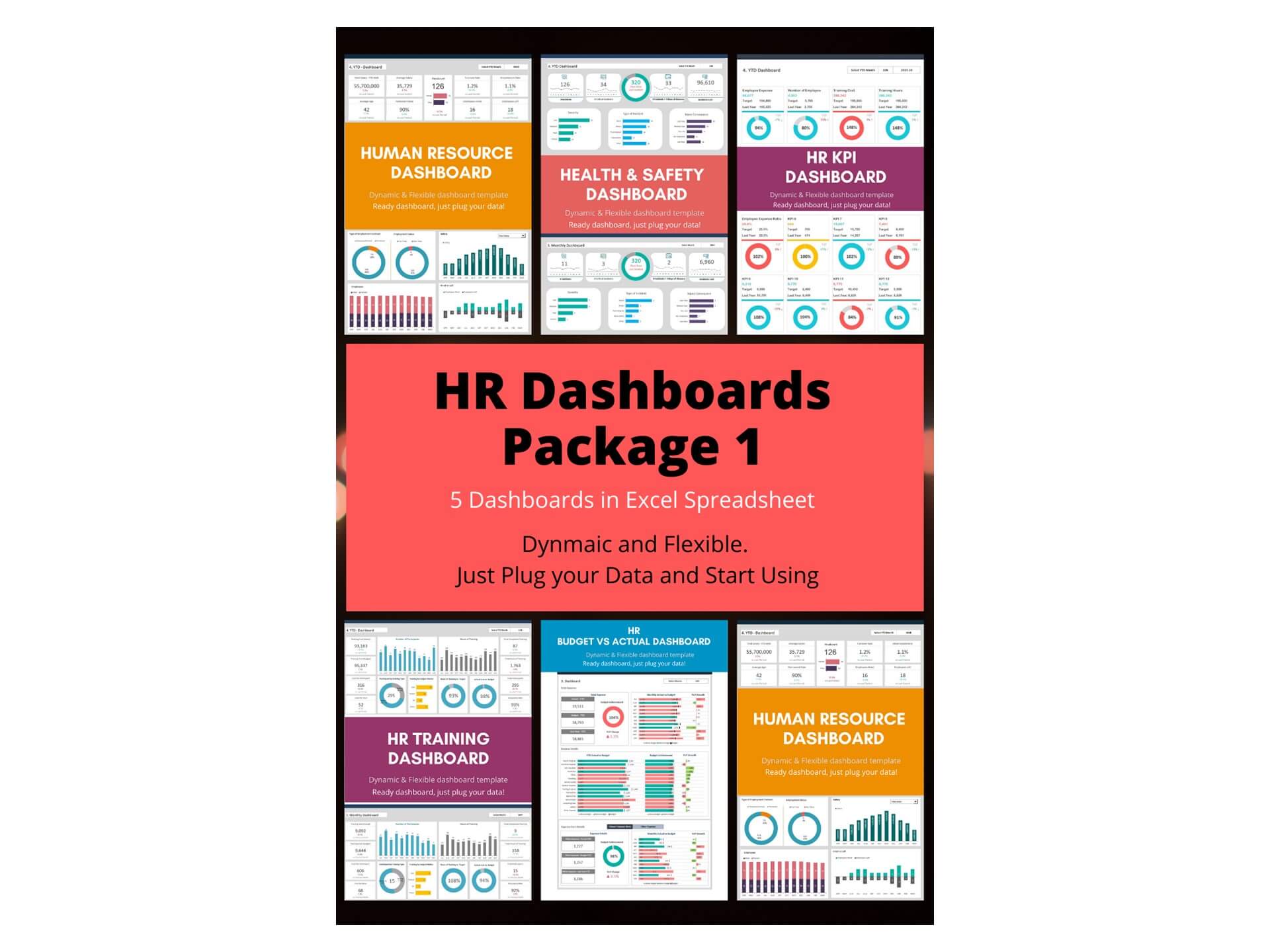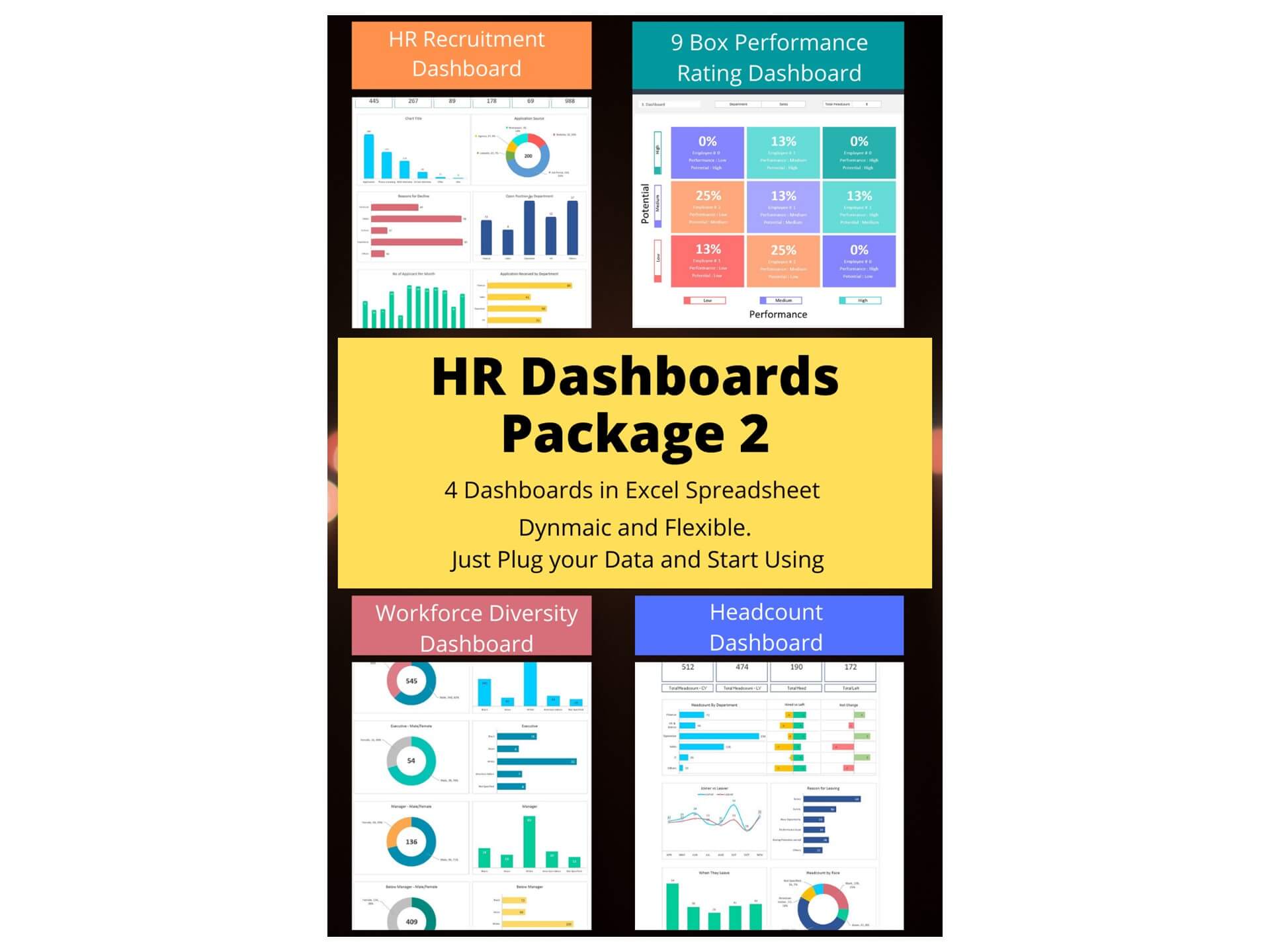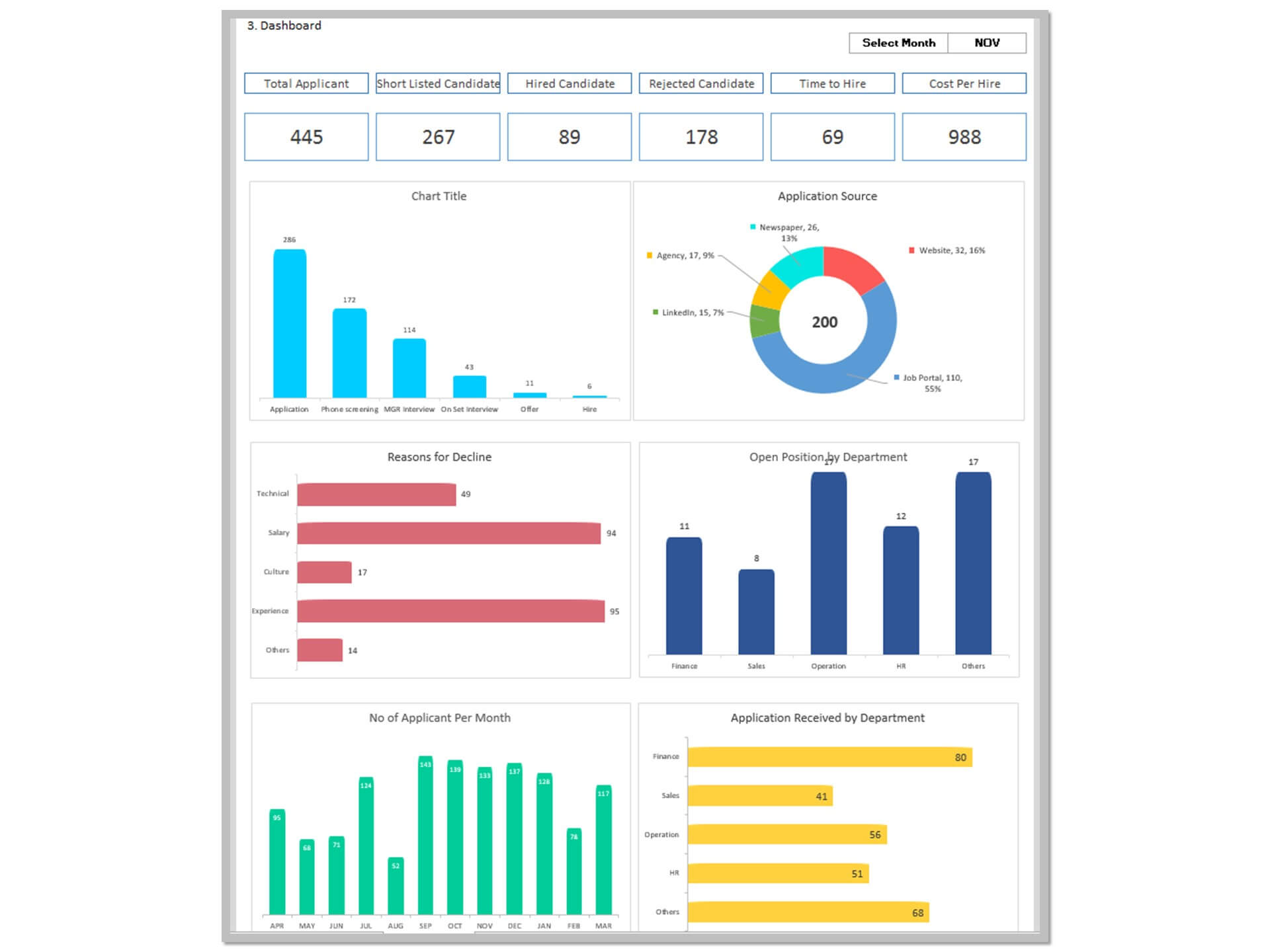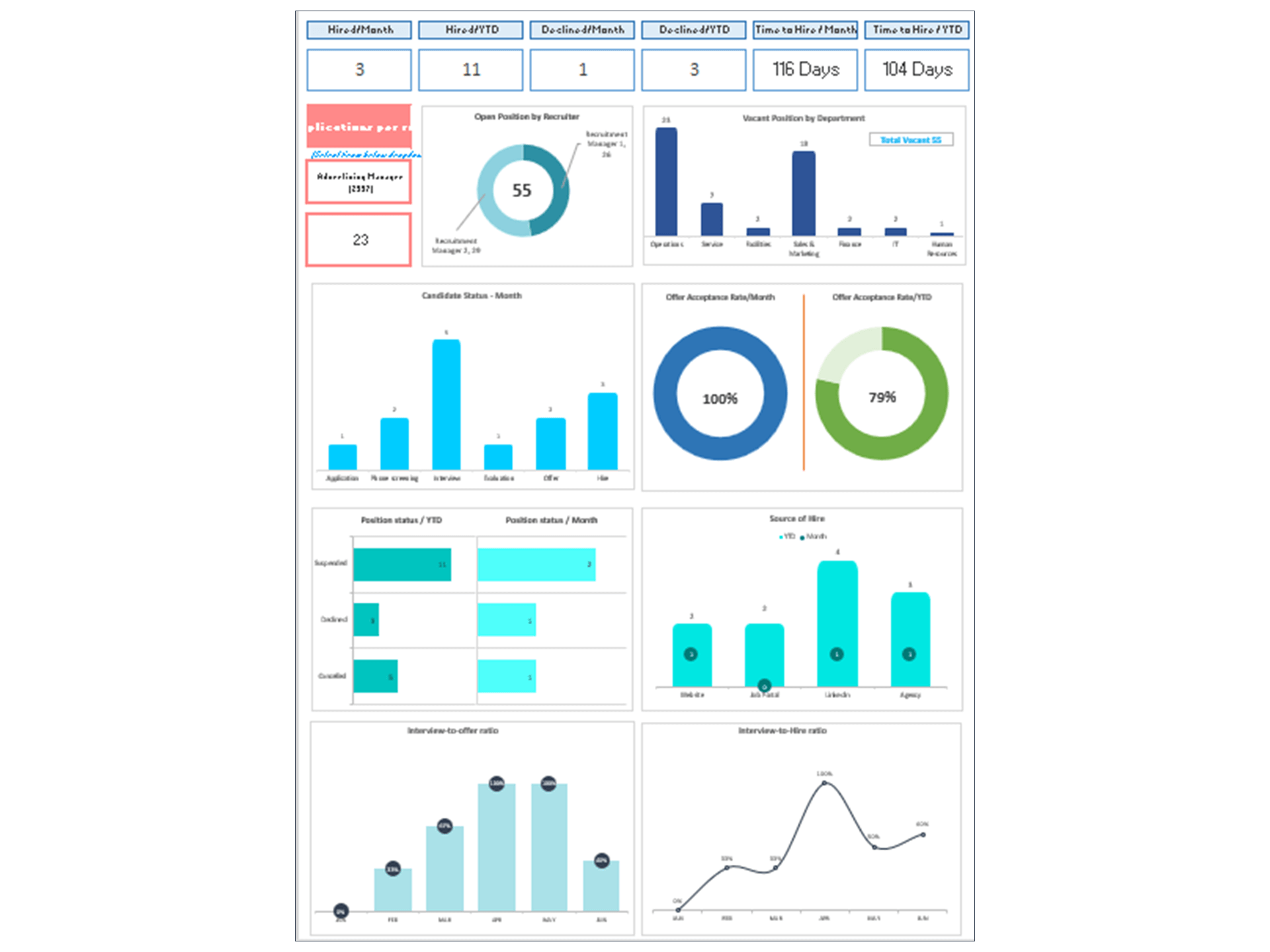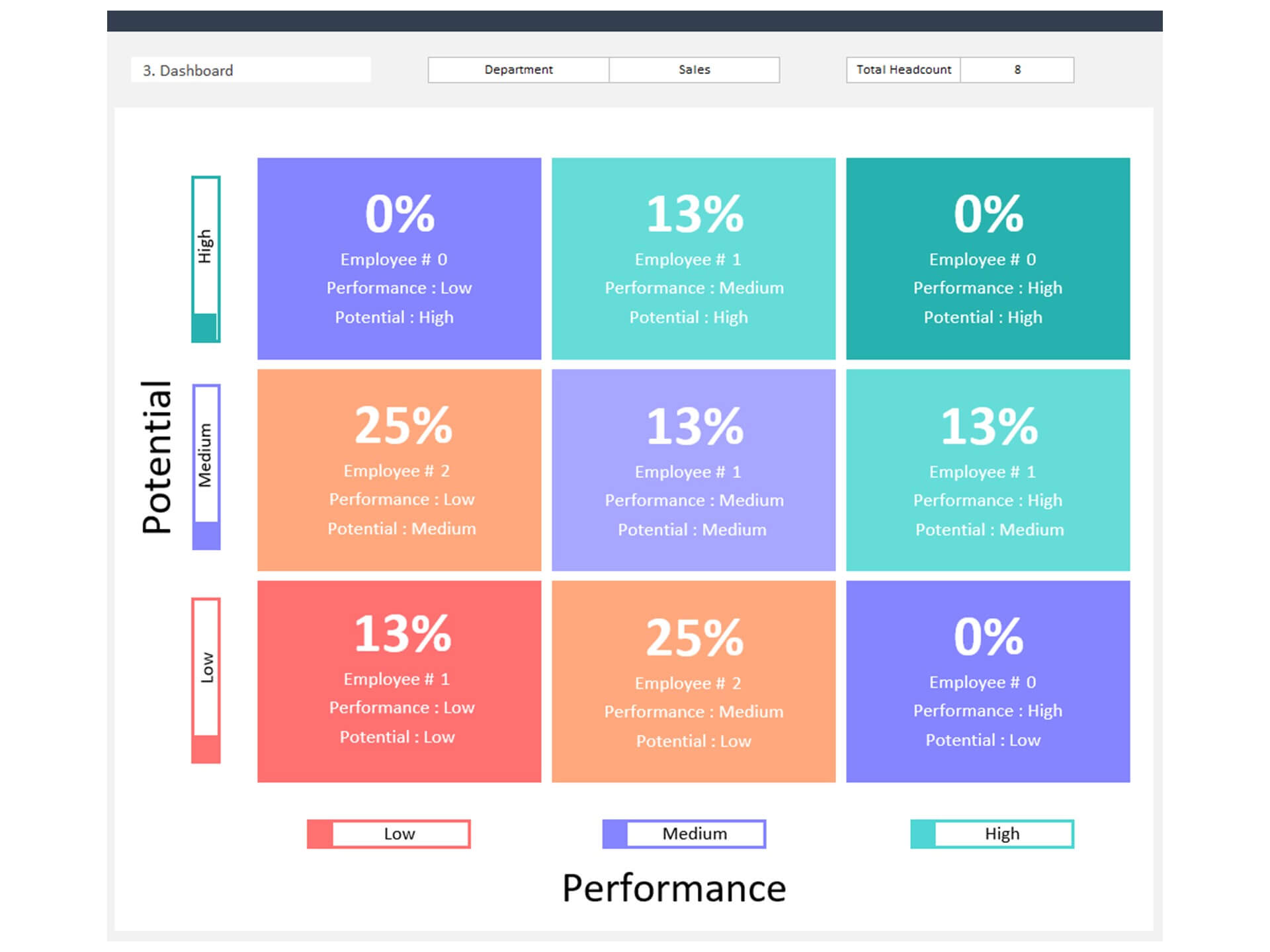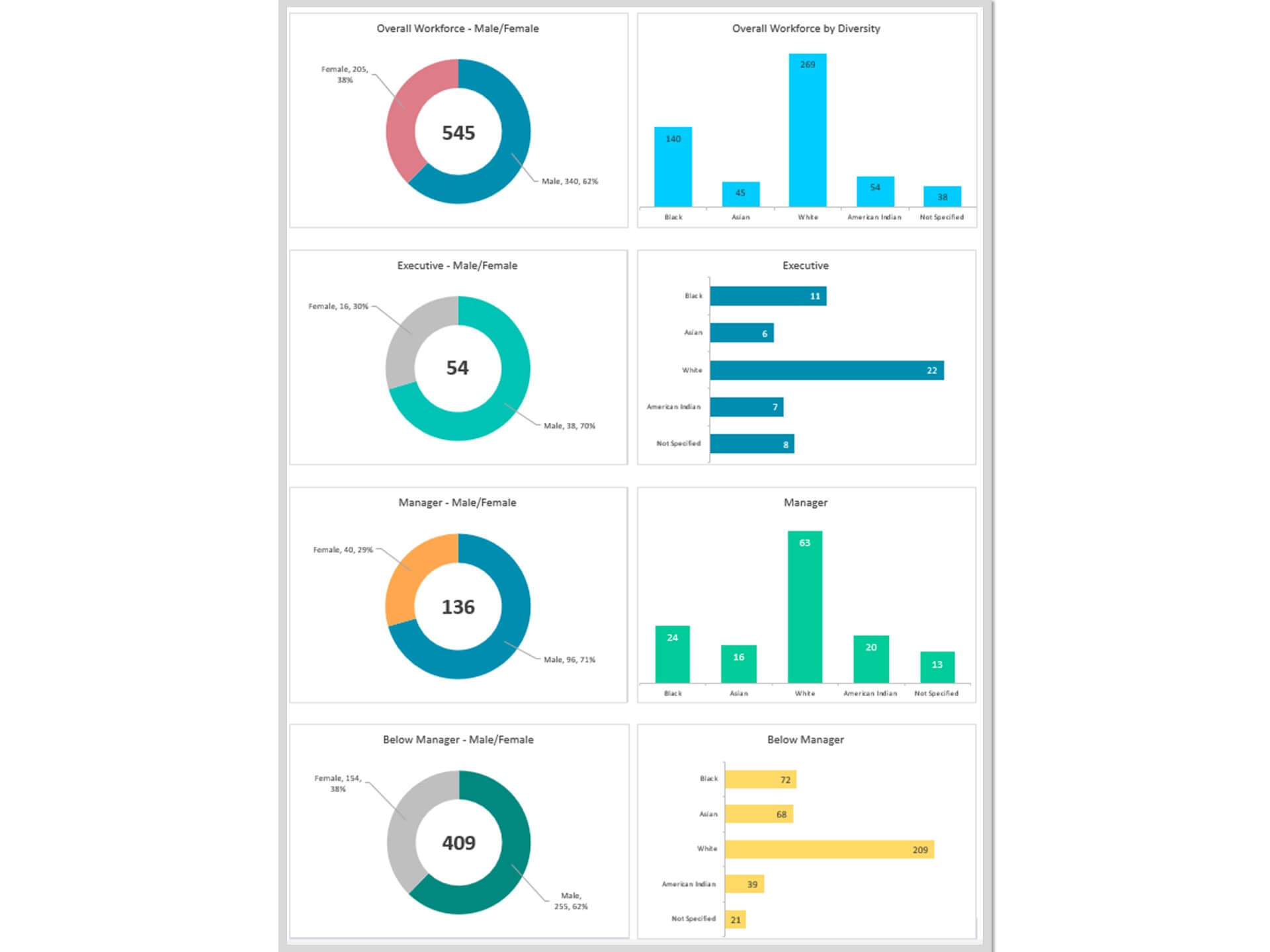
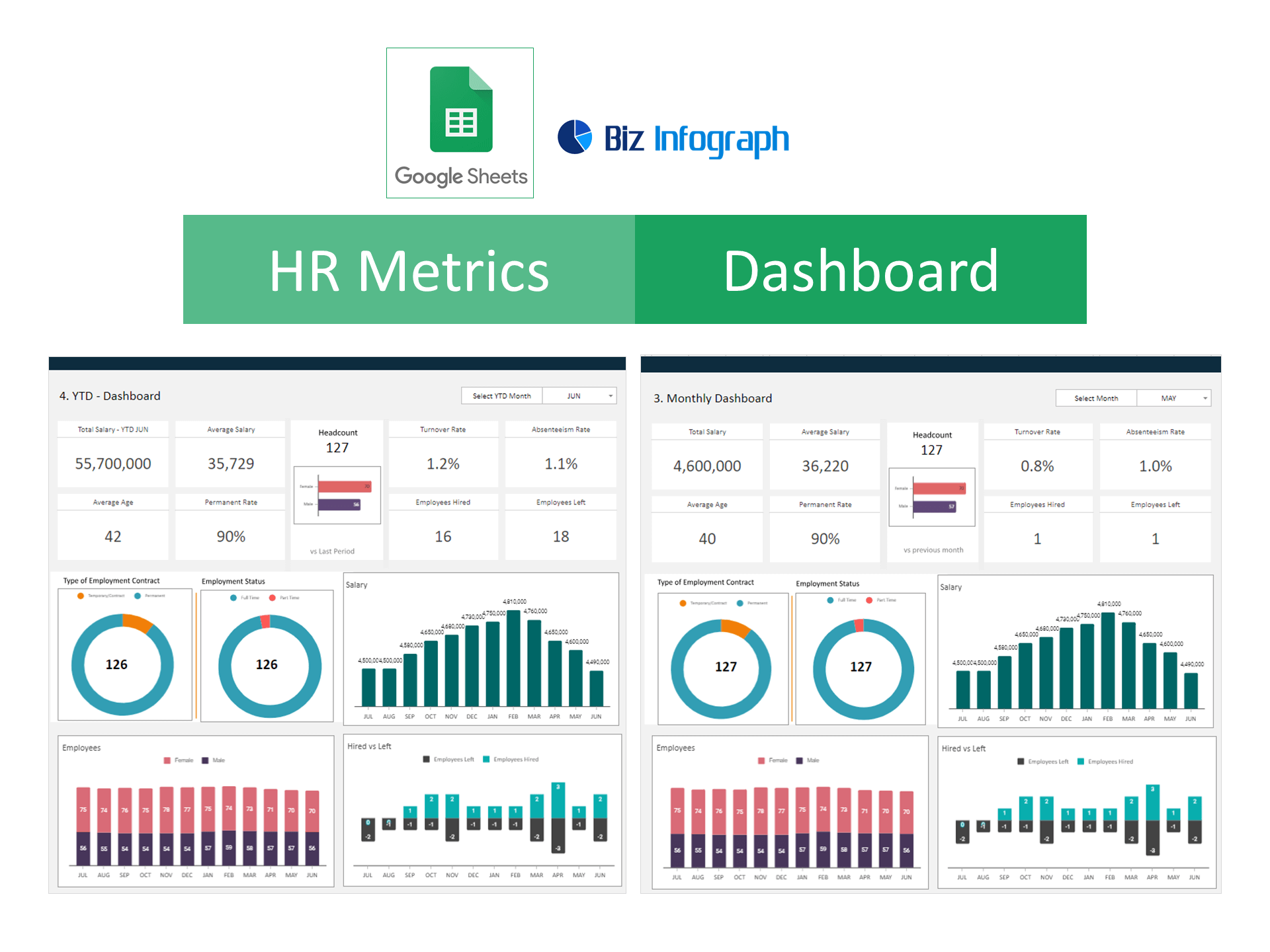
HR Dashboard Excel Template and Google Sheets
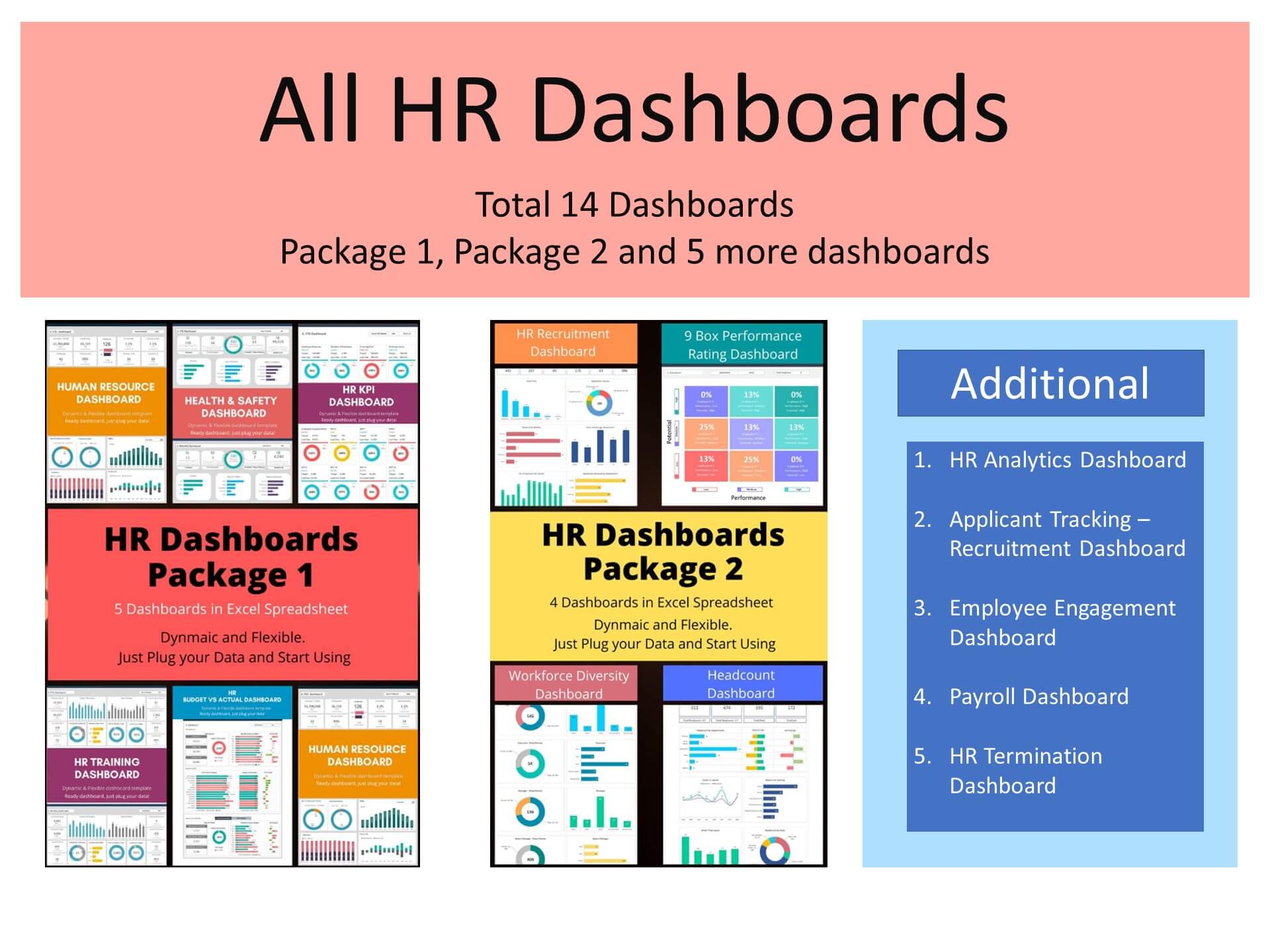
The HR Metrics Dashboard Template is a powerful Excel spreadsheet designed to help organizations track and analyze key Human Resource data in a clear and structured way. This template can also be used as an HR Metrics Dashboard Google Sheets file, making it accessible for teams who prefer cloud-based collaboration and real-time updates.
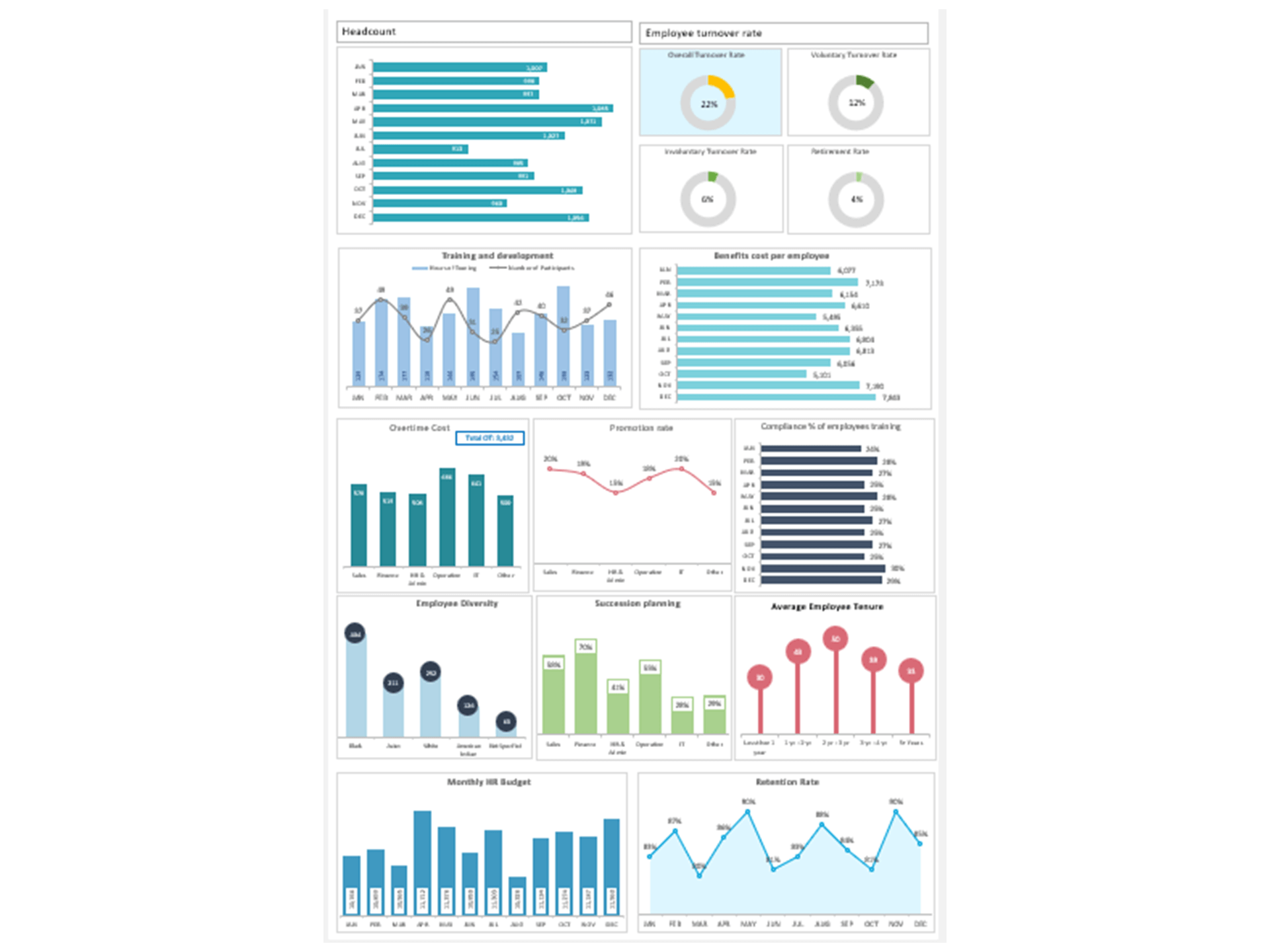
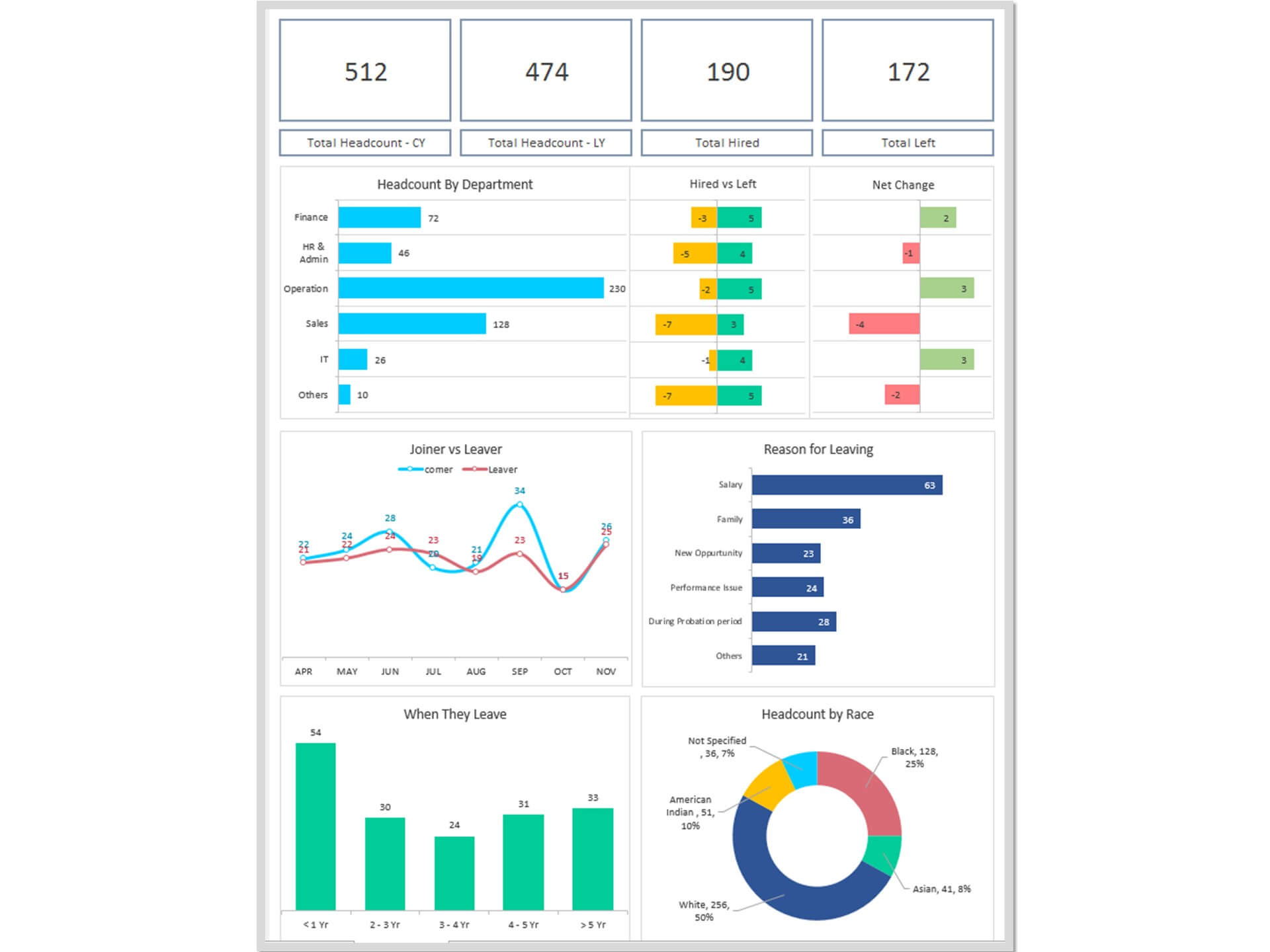
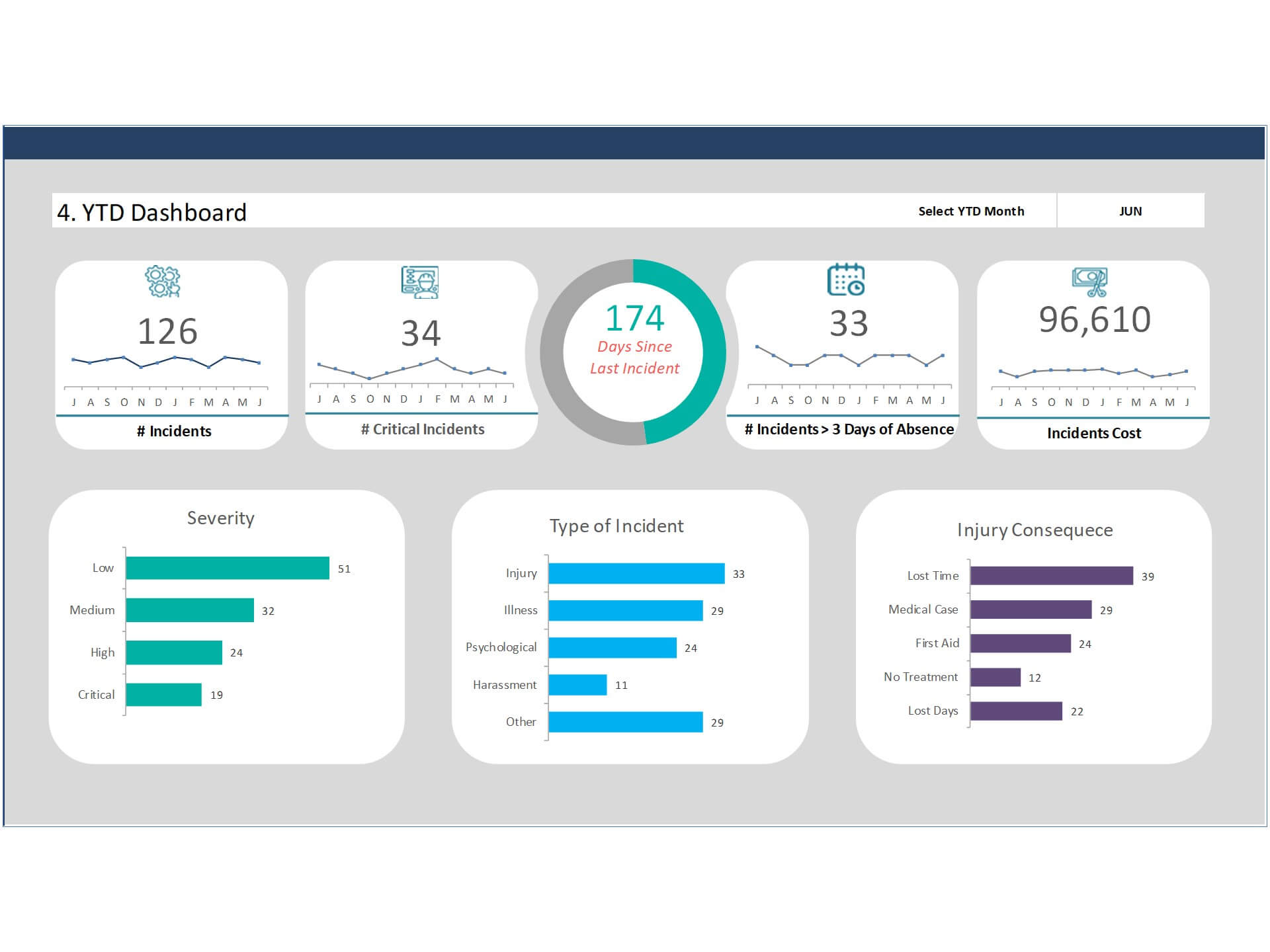
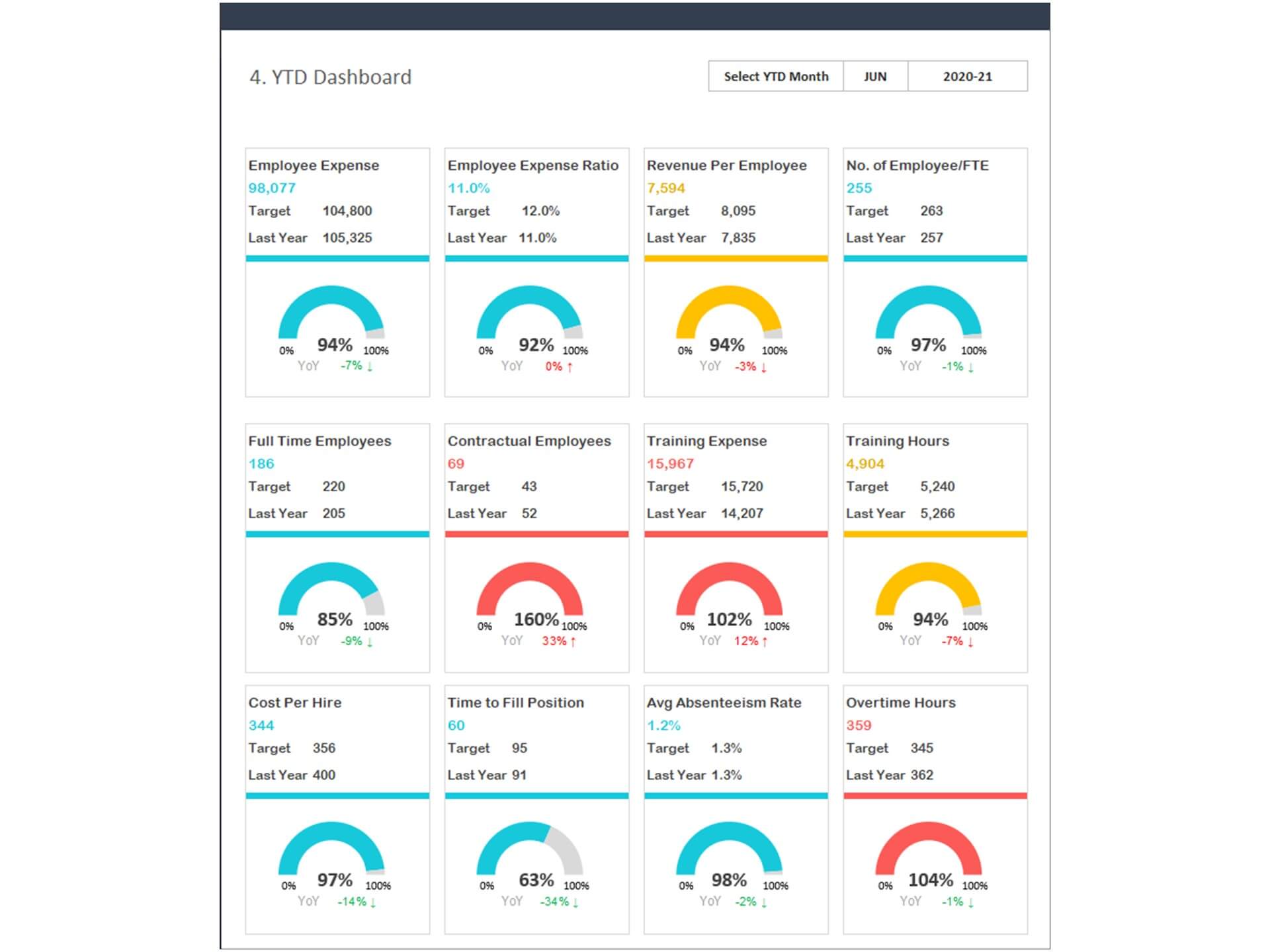
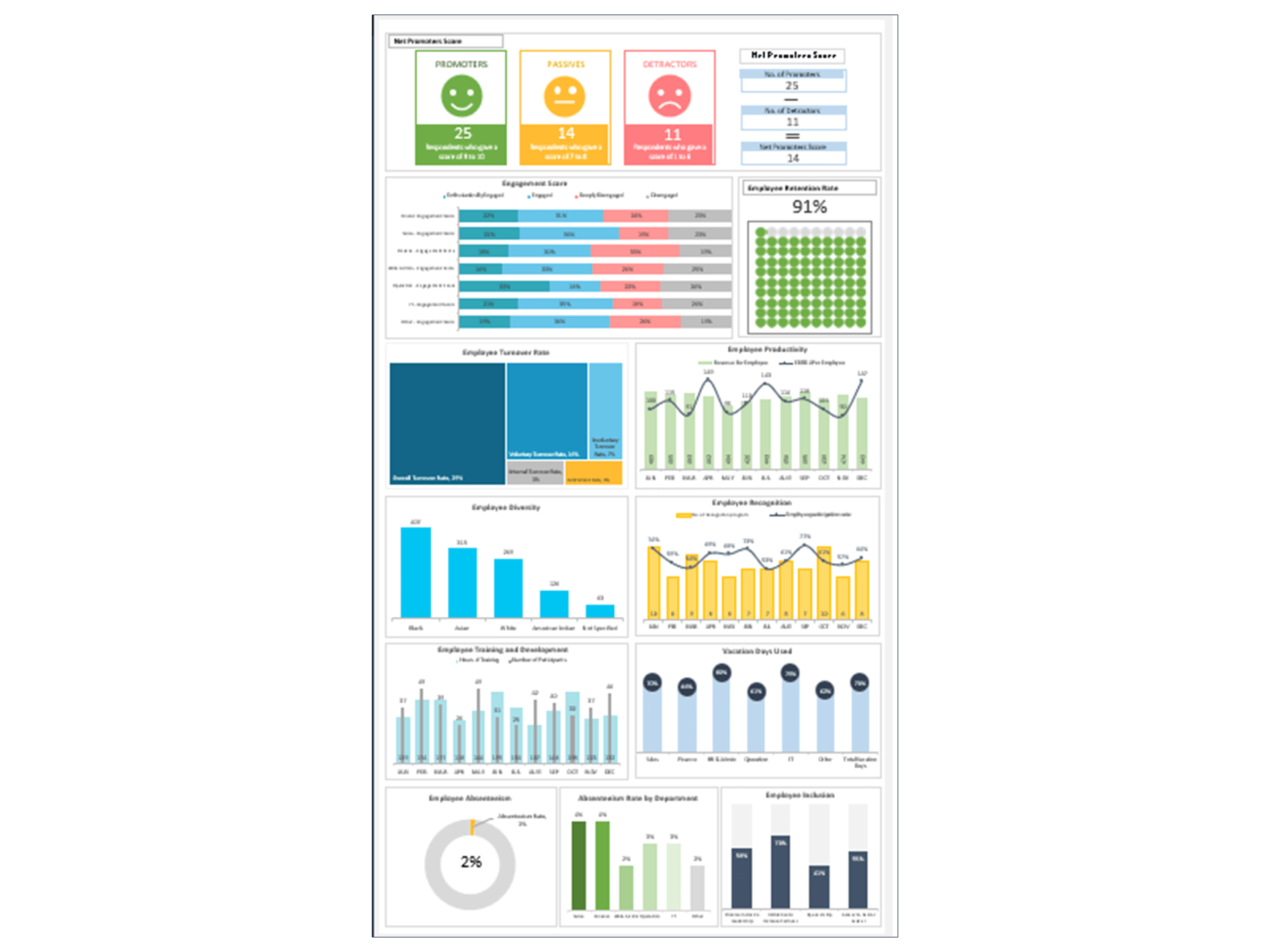
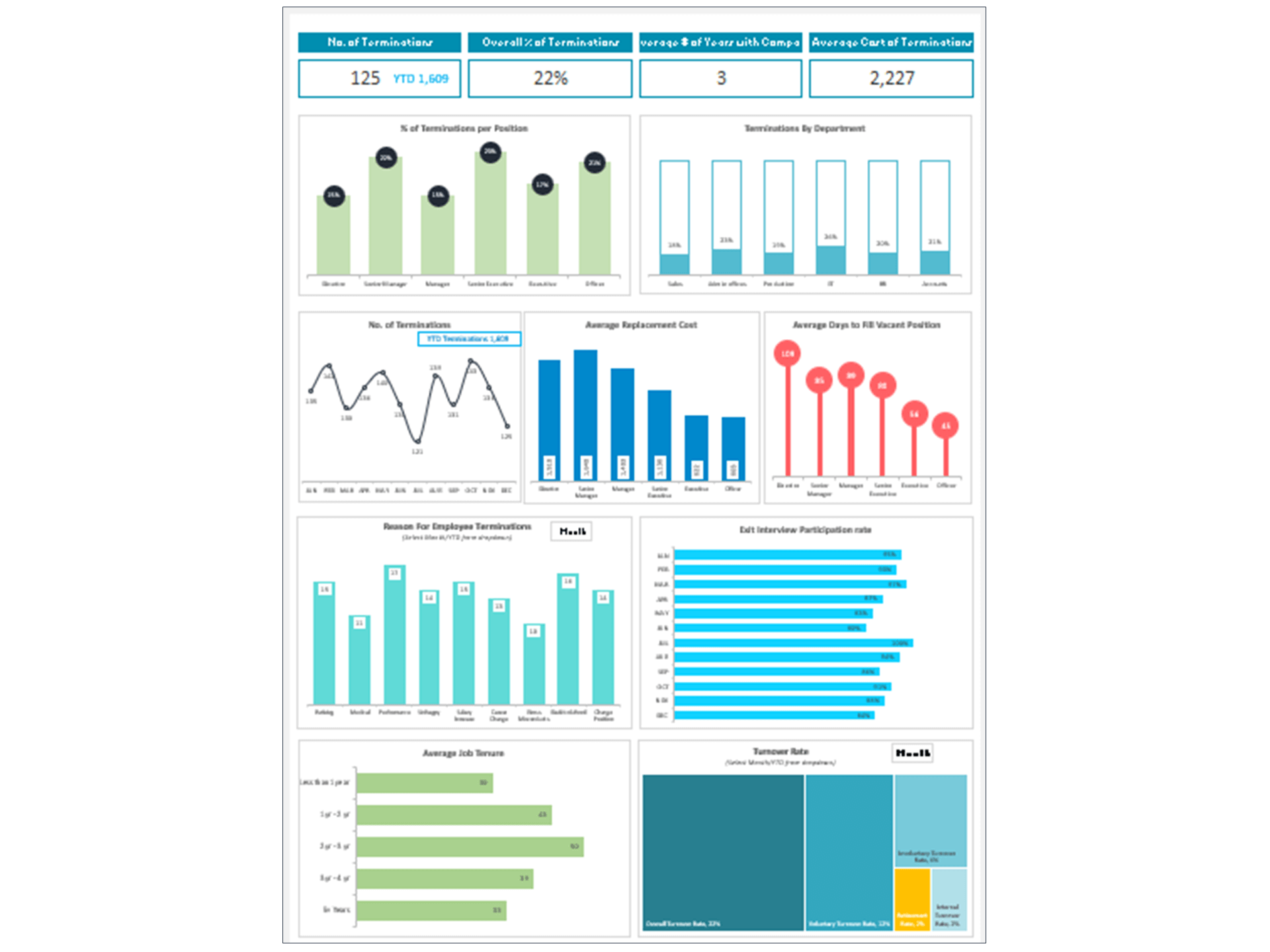
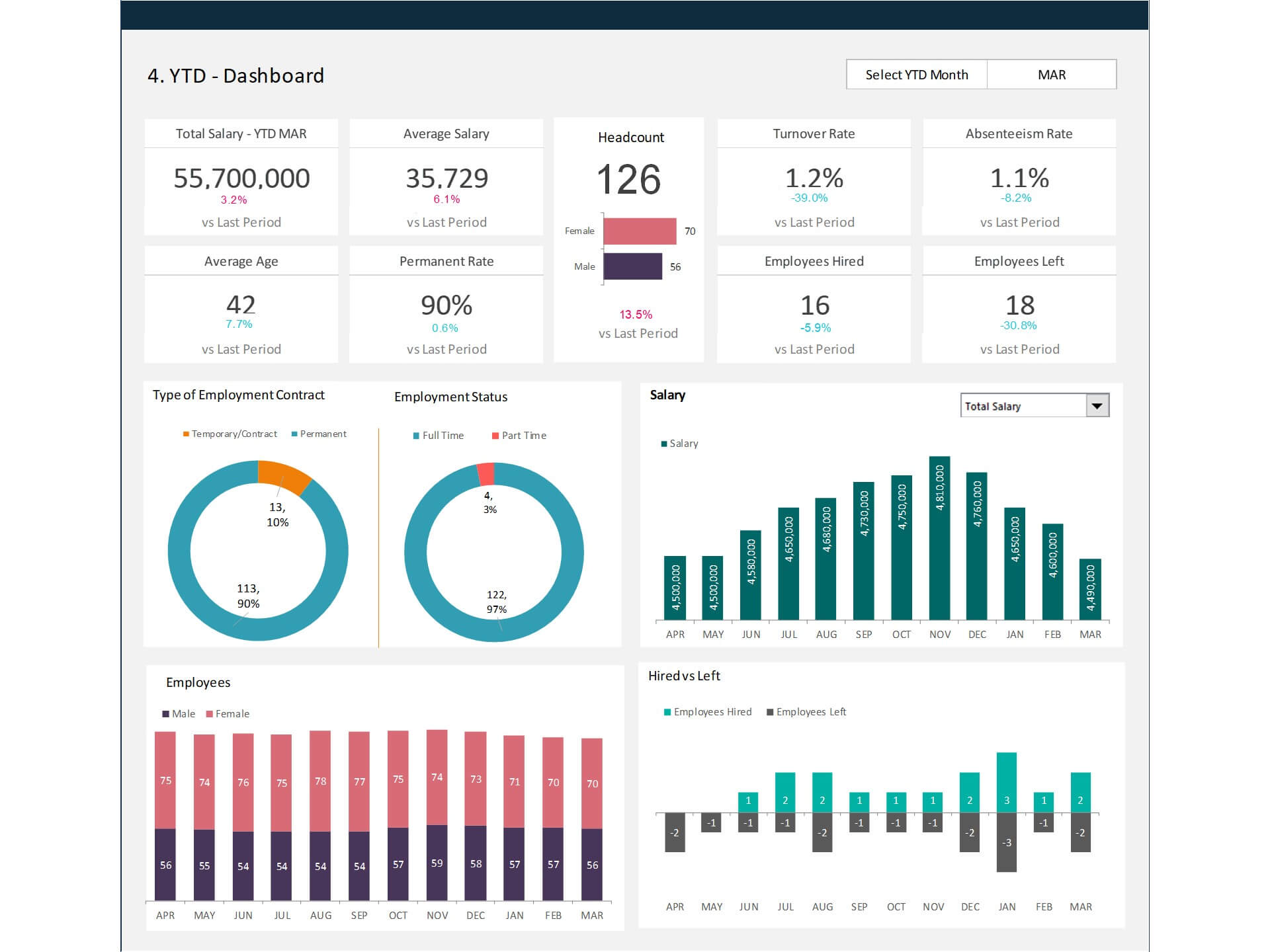
The template functions as a comprehensive HR Dashboard that consolidates essential workforce information such as employee headcount, turnover rate, recruitment progress, and absenteeism. It also works as an effective HR KPI Dashboard, allowing HR managers to monitor important performance indicators that measure workforce productivity and organizational efficiency.
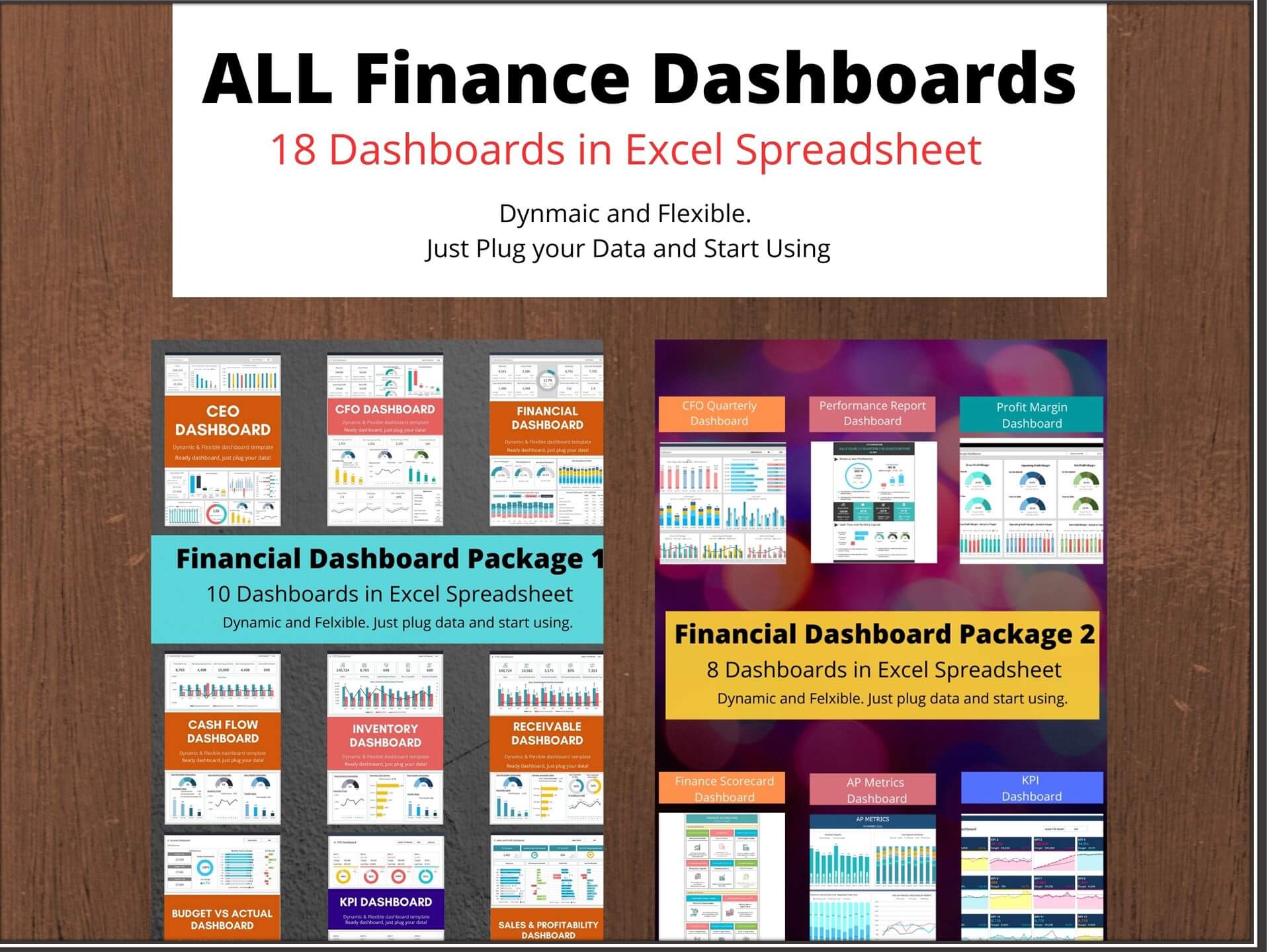
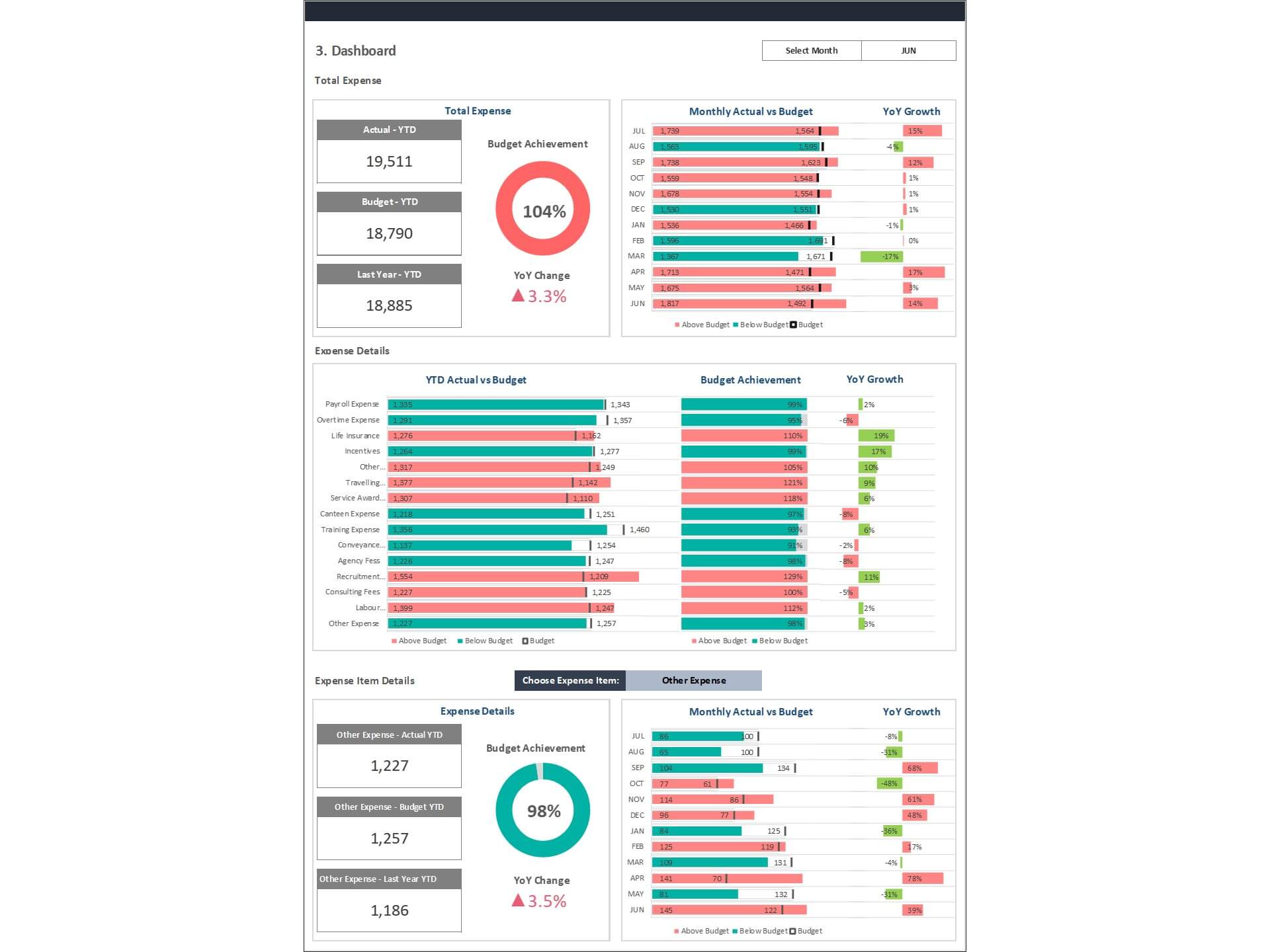
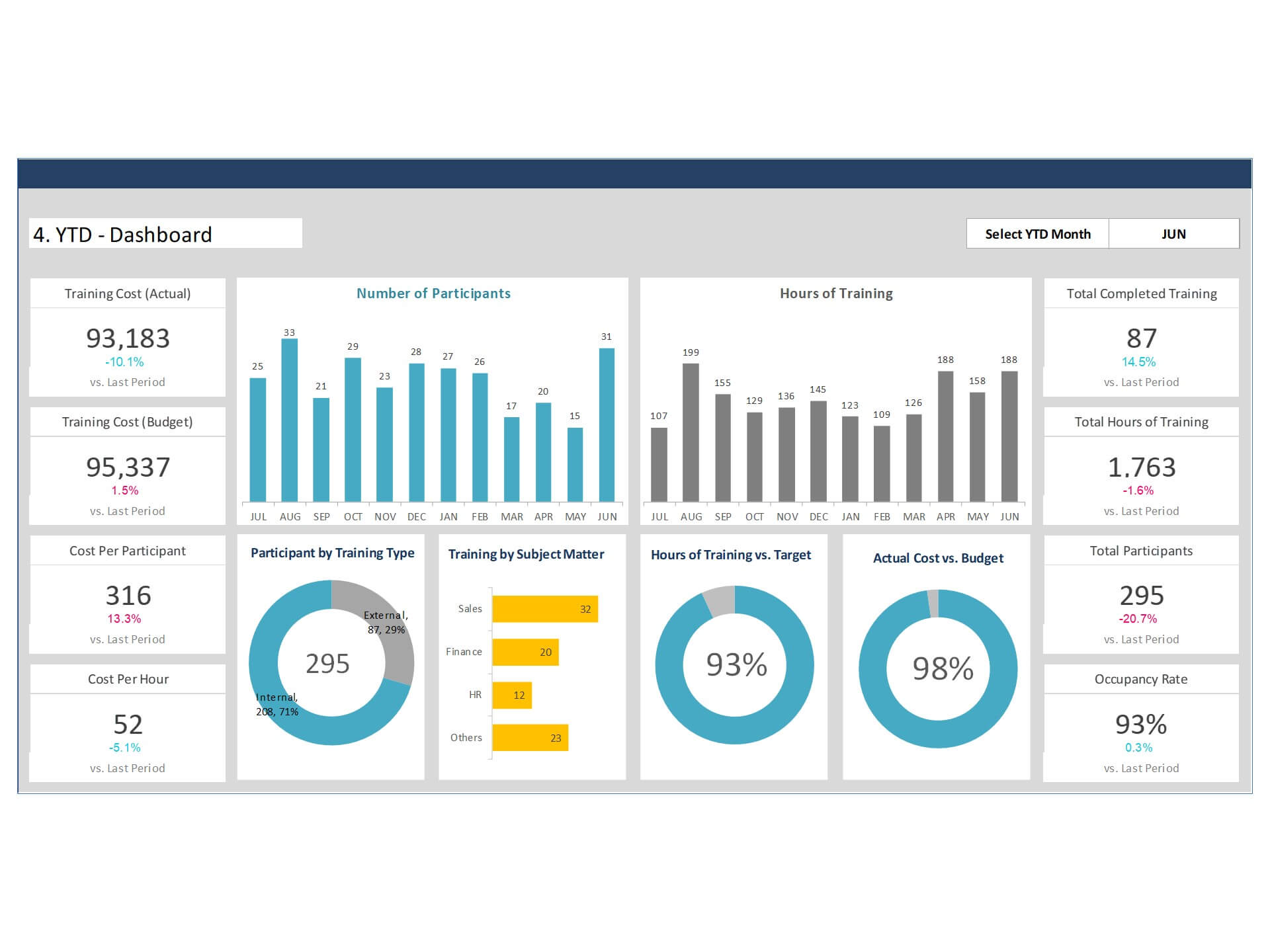
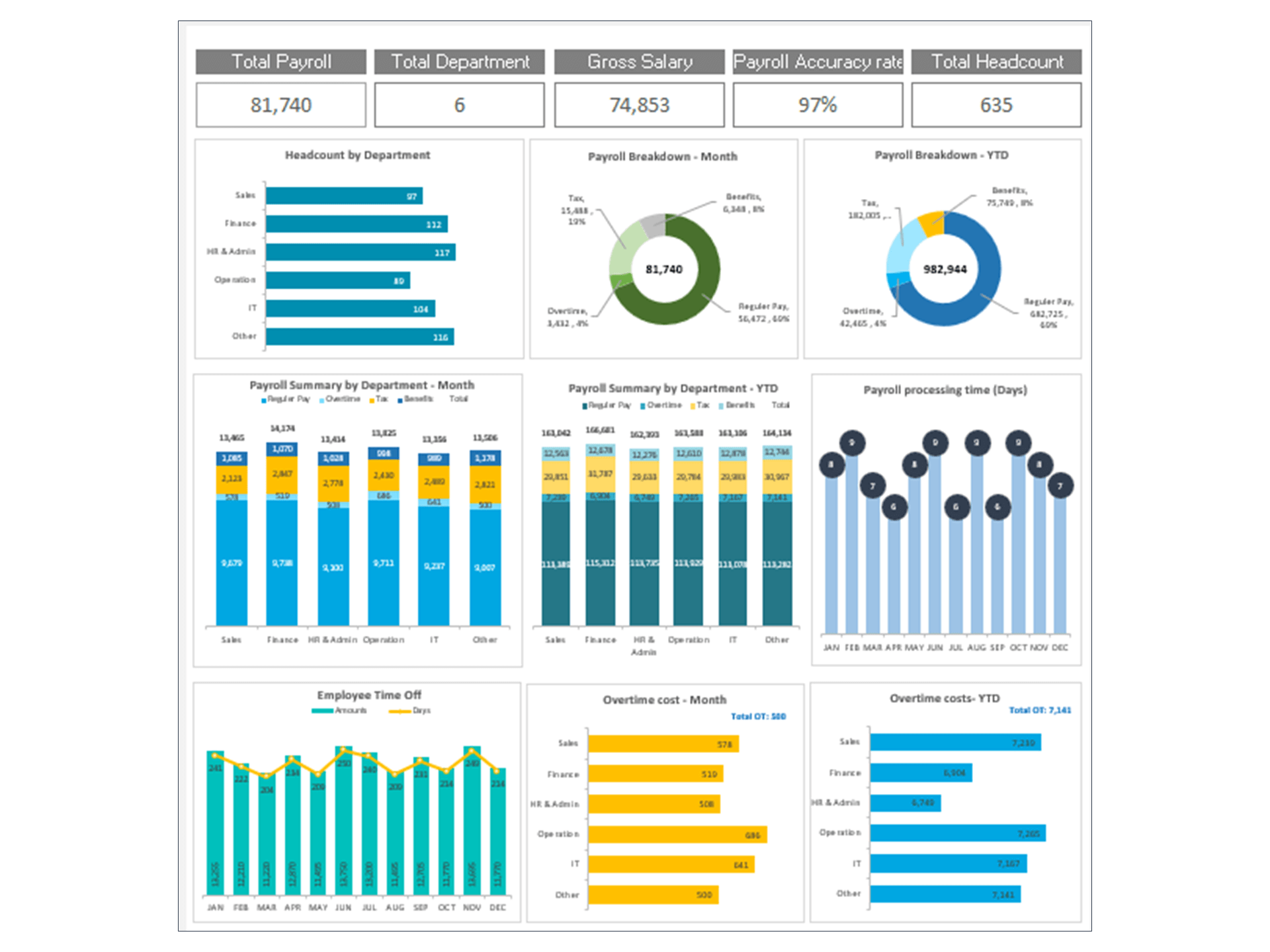
In addition to HR metrics, the dashboard can support financial insights by connecting HR costs and staffing trends, making it useful as a Financial Dashboard for workforce-related expenses. The template is highly customizable, allowing users to adapt it as a Flexible Dashboard that fits their organization’s reporting needs.
Overall, this template serves as a practical Reporting Dashboard that transforms HR data into meaningful insights for better decision-making.
HR Dashboard Template Excel is a dynamic overview of the most important HR metrics in a single place. The HR Dashboard provides a comprehensive overview of the workforce, their performance, absence, and turnover.
Key Features
- Monitor HR KPI progress monthly
- Provide actionable insights
- Consolidate all your HR metrics in one place
- Visualize overall HR department performance
- Fully editable, easy to use, template with sample data
- Eye-catching design and customizable
- Change the sample data with your data
- Spreadsheets ready for printing without Biz Infograph logo
- Consolidate key business performance indicators in one dashboard
- No monthly fees
- Immediate download
- No VBA, no Macro
- No installation necessary
- Professionally designed
What is included in this dashboard template?
- Ready dashboard just plug your data and start using. The dashboard will be ready instantly.
- A text file which contains a password to view and edit the formula
- A guide to unlocking all the elements in the dashboard
Professional Support:
- Video tutorial guide on how to navigate and use each Dashboard Template
- Professional service to customize dashboard template in excel as per business need
- Help and support in post-purchase
- Payment secured by Stripe and PayPal (no PayPal account needed)
A brief guide to using the dashboard template:
- Open the dashboard template
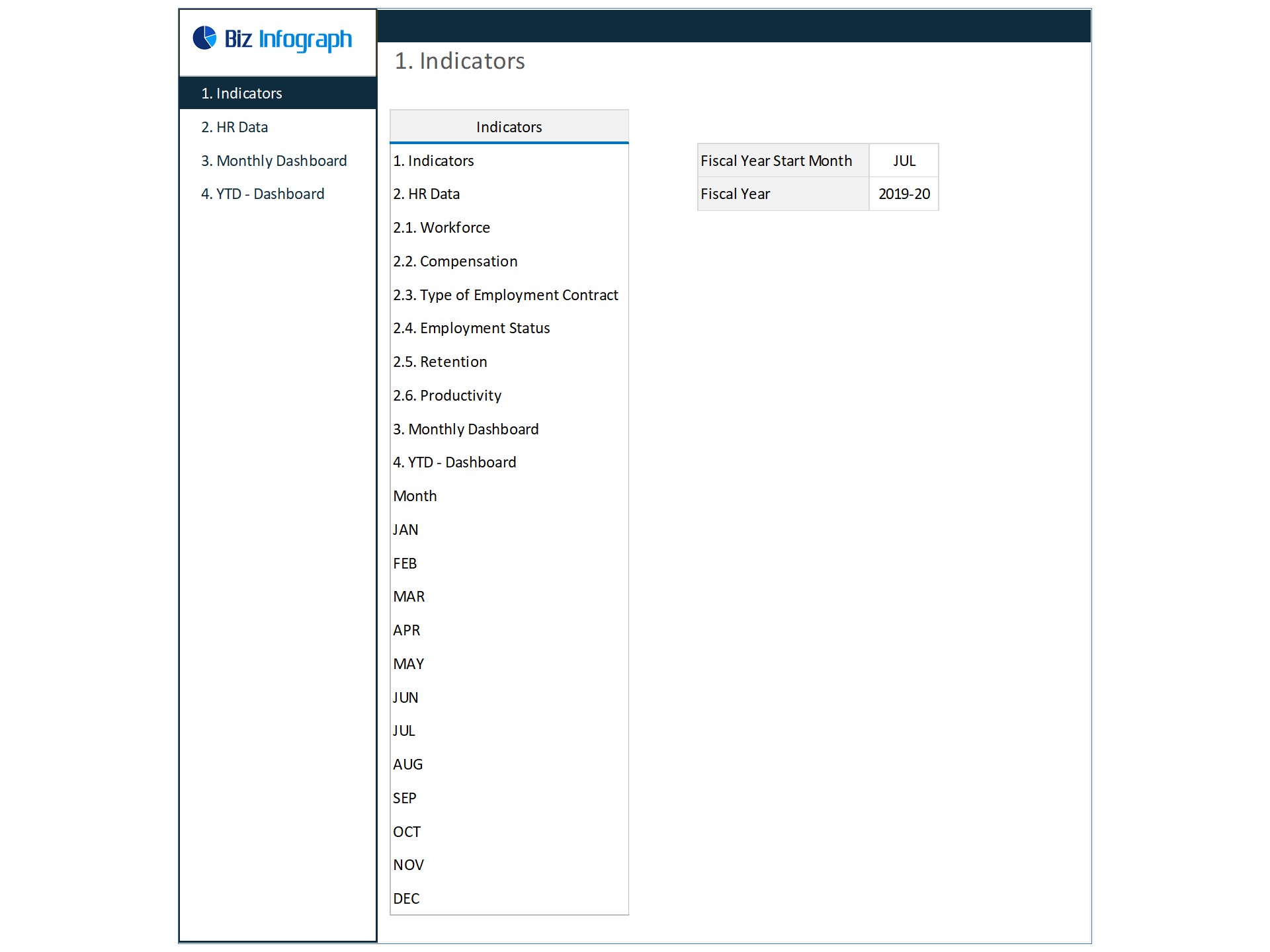
- Go to ‘Indicators’ menu – choose the start month of the fiscal year (i.e. Jan, Feb, Jul, etc.)
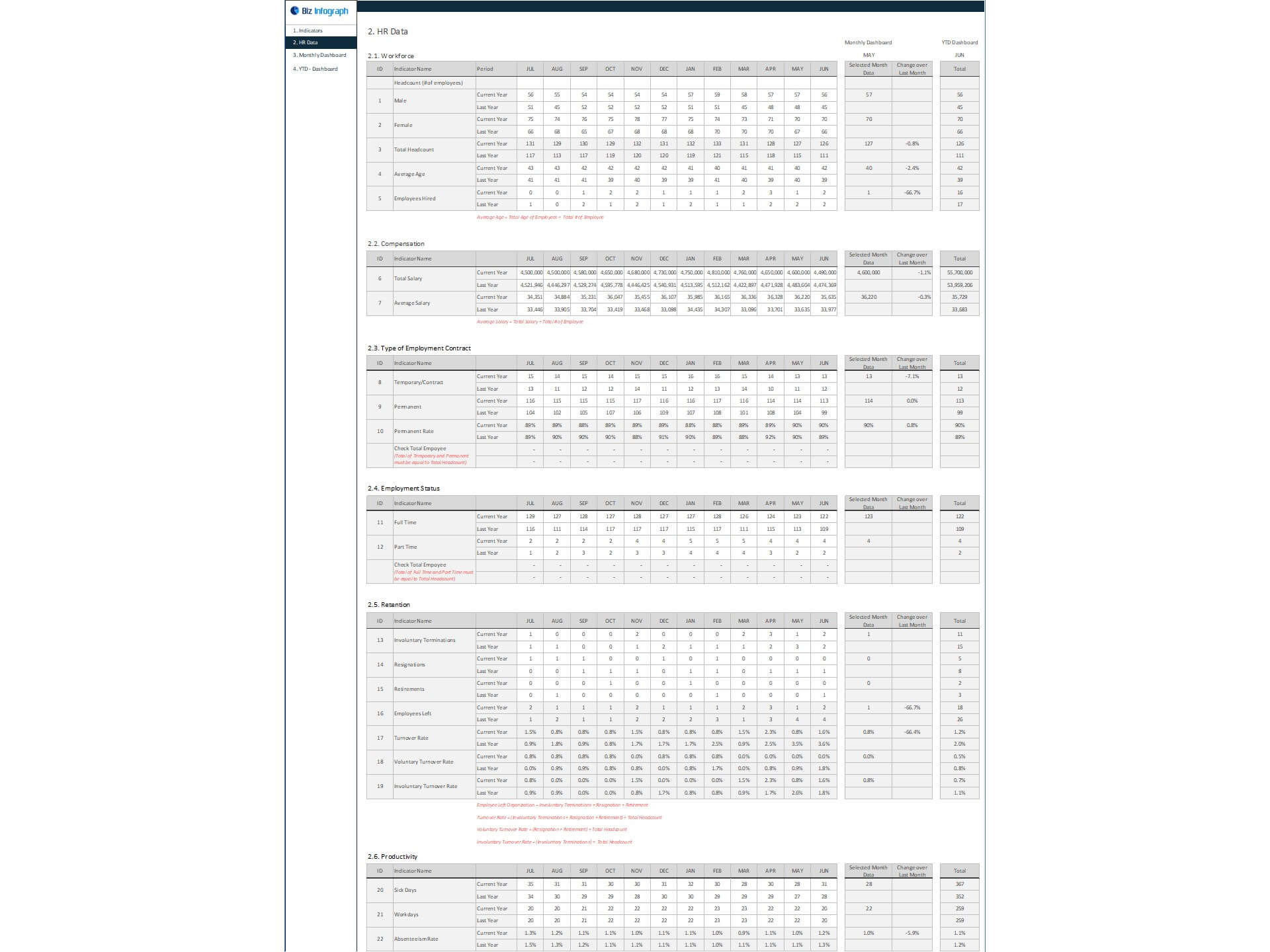
- Go to the ‘Enter Data’ menu – remove the sample data and give your actual data in the respective cells. Formula cells are locked, and you cannot edit it without a password.
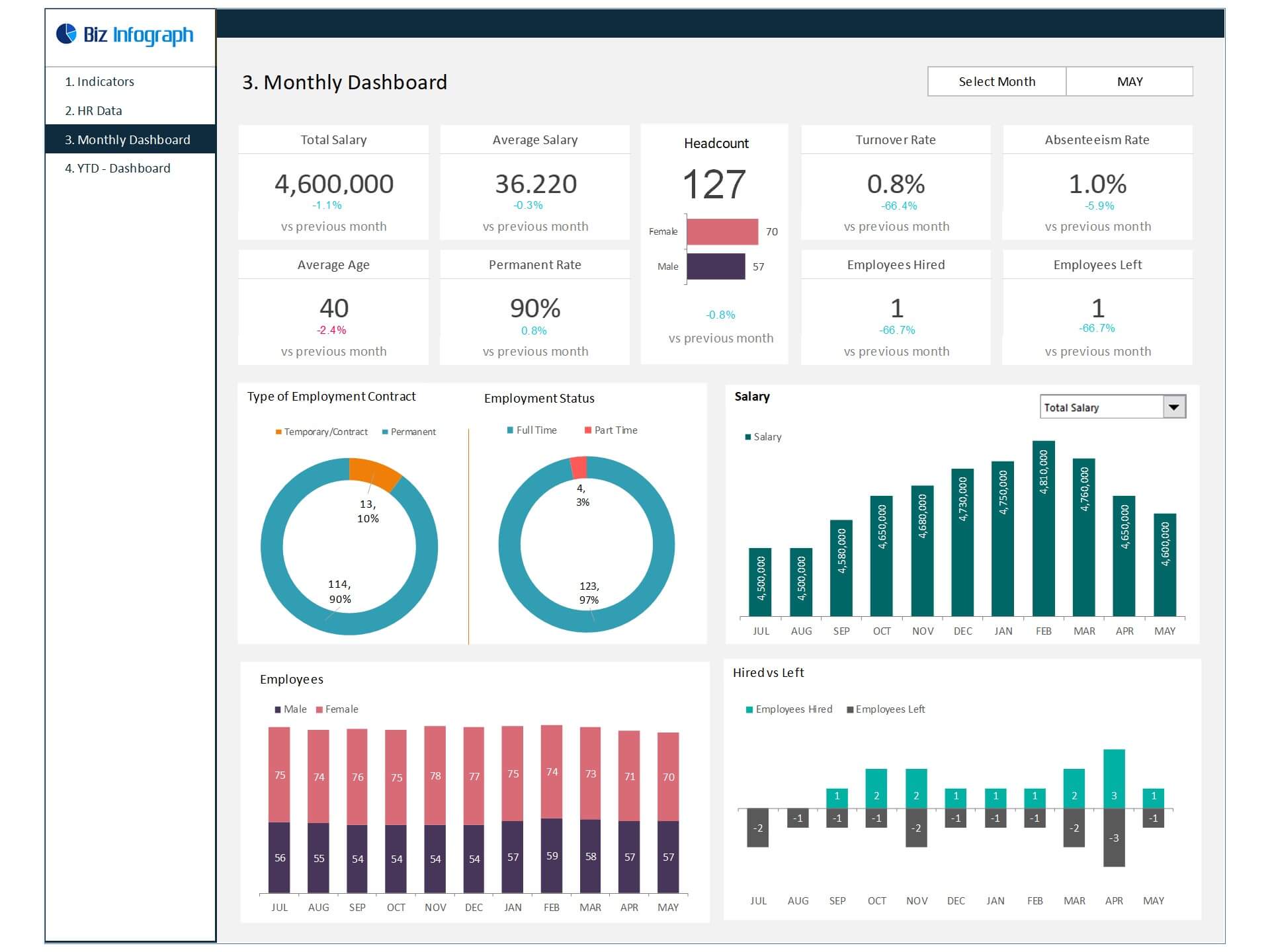
- Go to the ‘Monthly Dashboard’ menu – select the month name from the drop-down to see the monthly picture of performance indicators
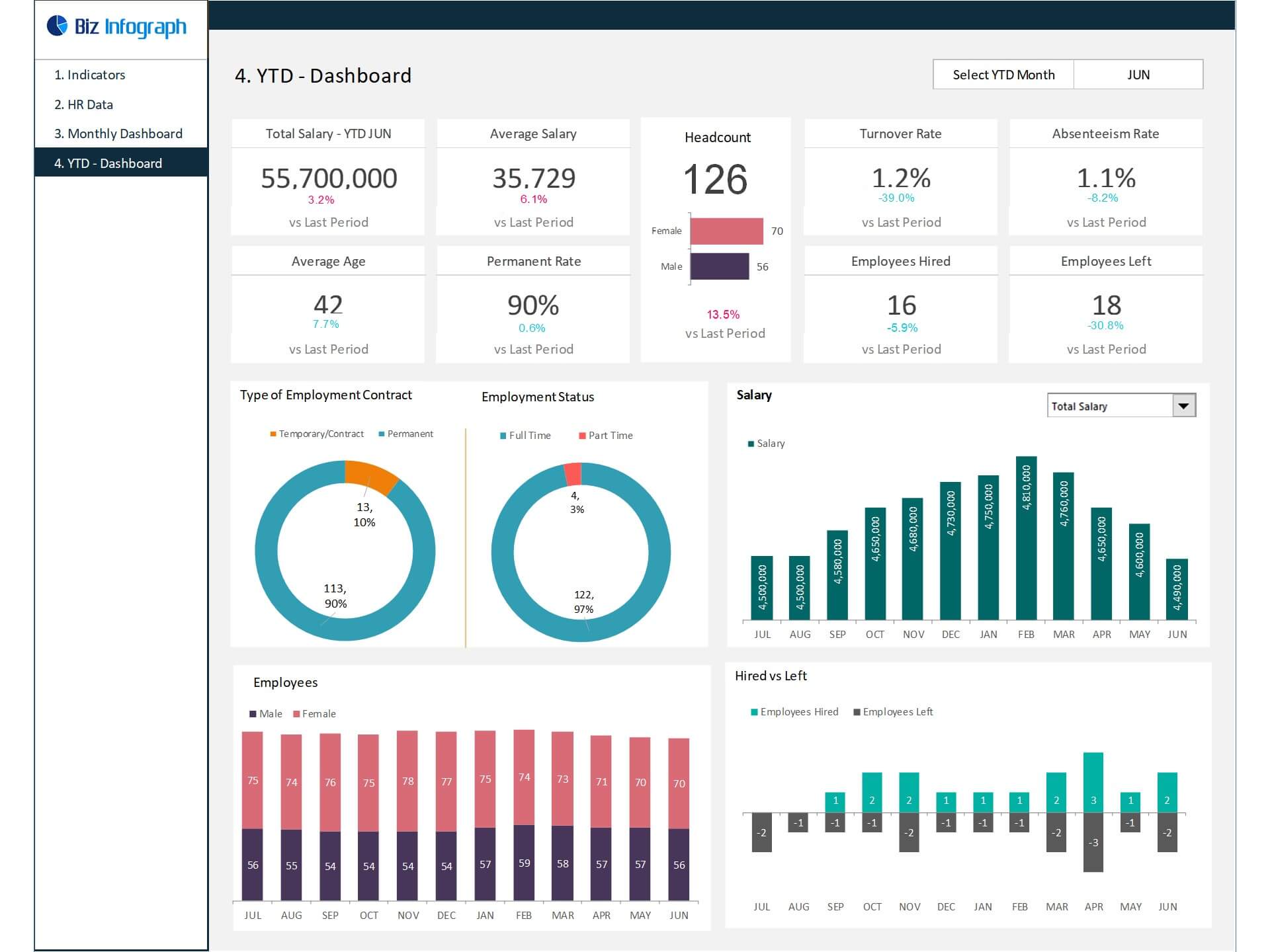
- Go to ‘YTD Dashboard’ menu - select month name from the drop-down to see the year-to-date picture of performance indicators
- Each page is ready for printing – just press CTRL+P
This Excel dashboard template is password-protected to avoid mistakes, such as accidentally deleting formulas. When you completed the purchase, the password will be available.
For ready-to-use Dashboard Templates: