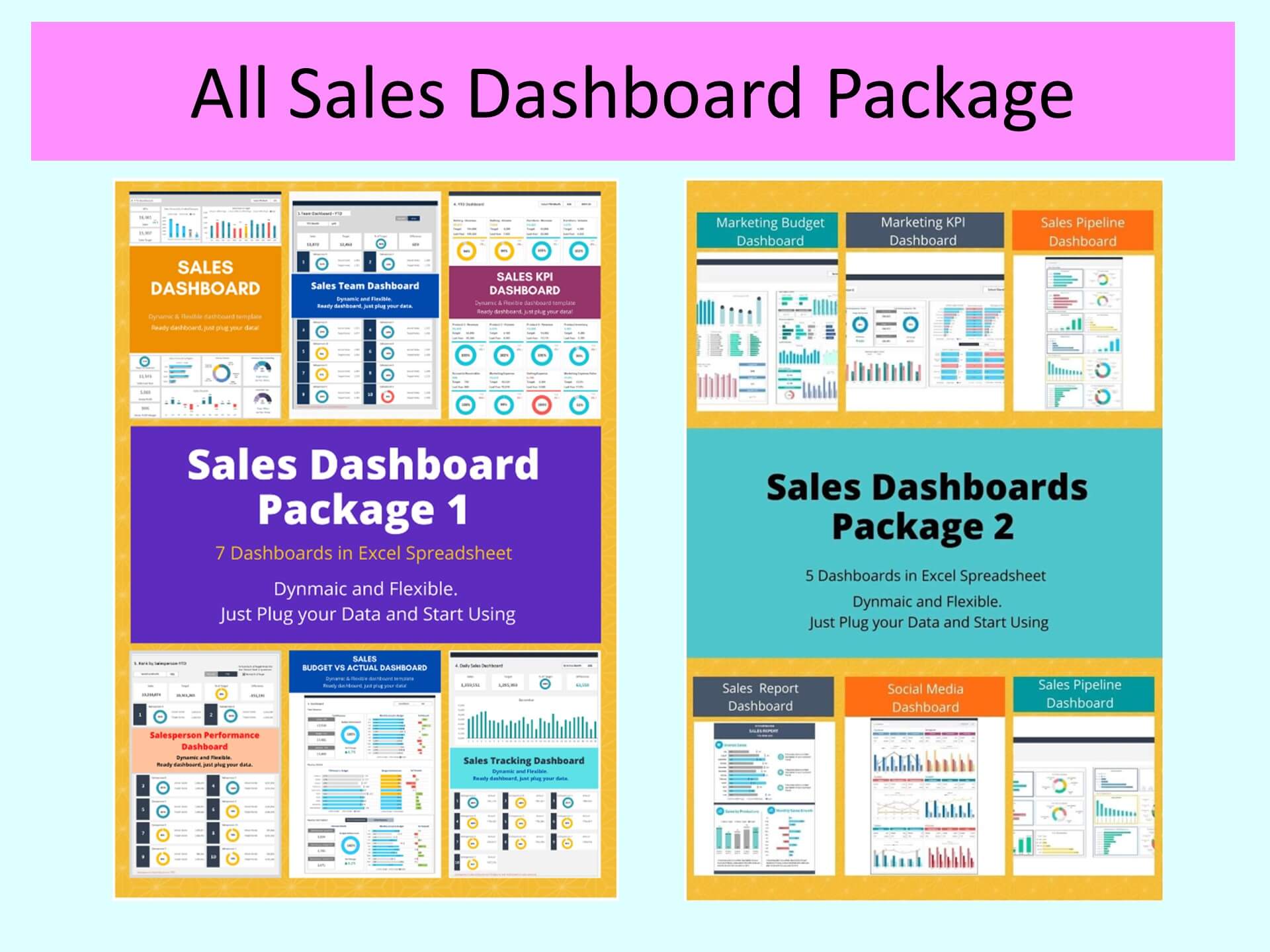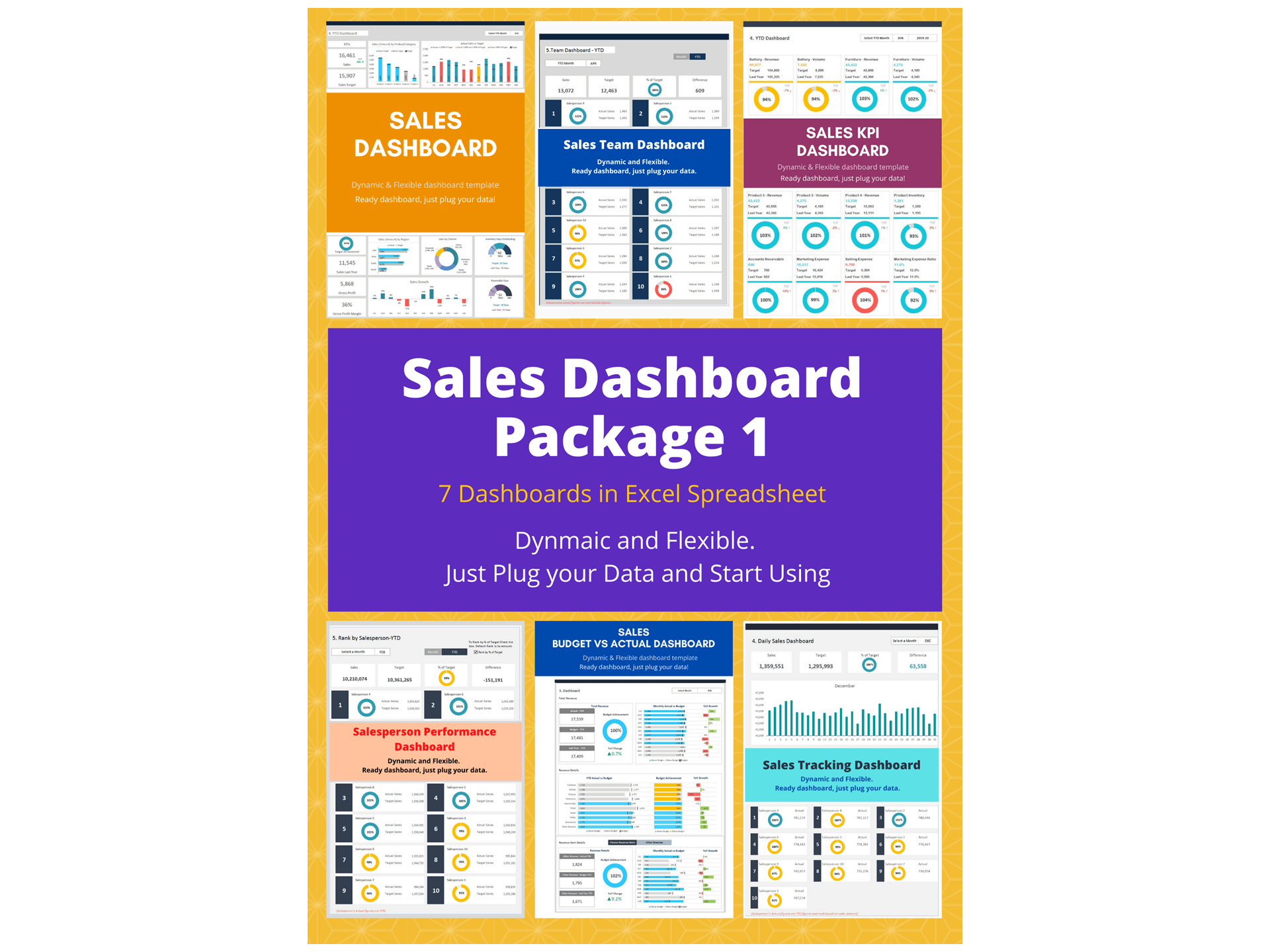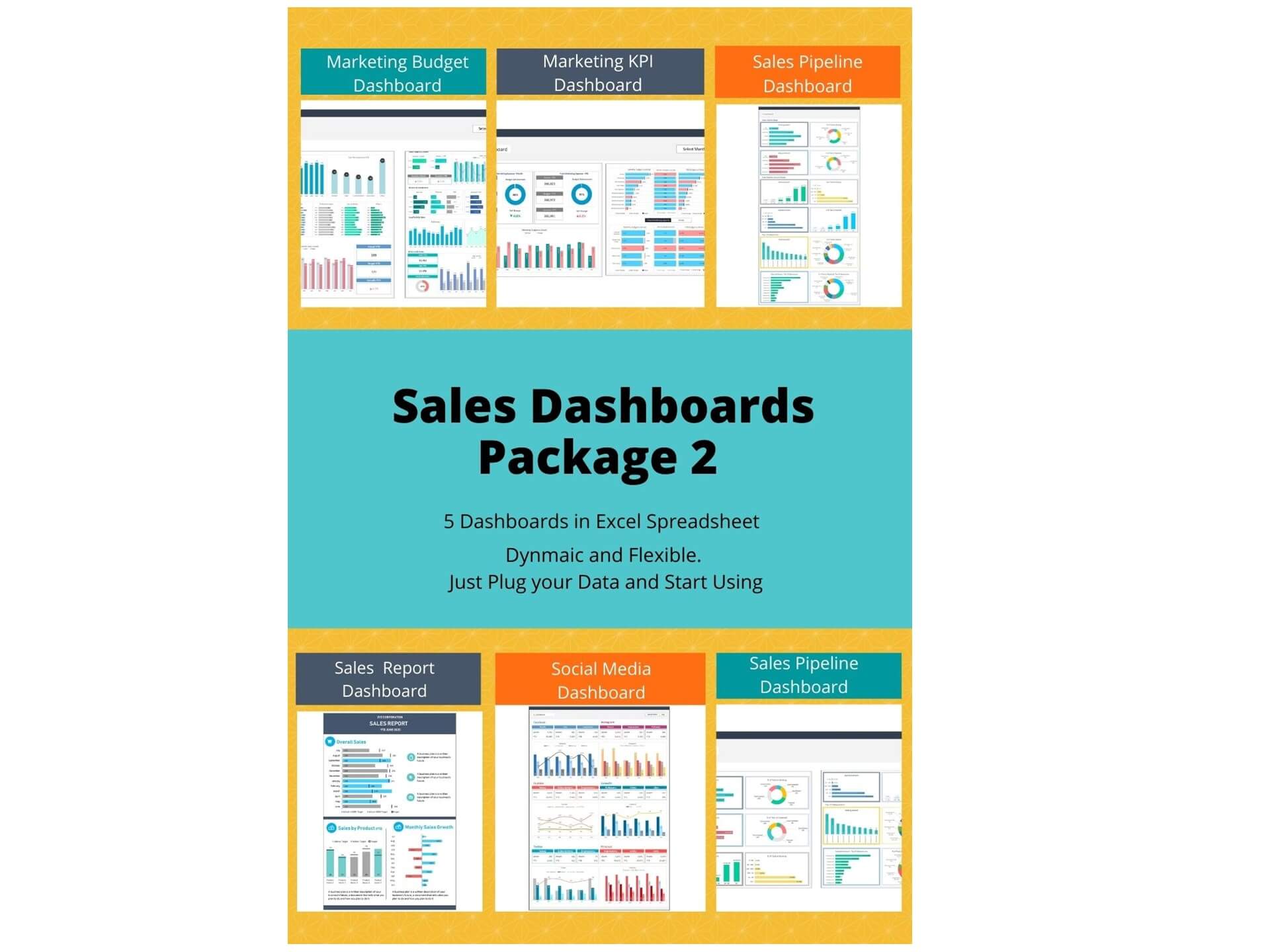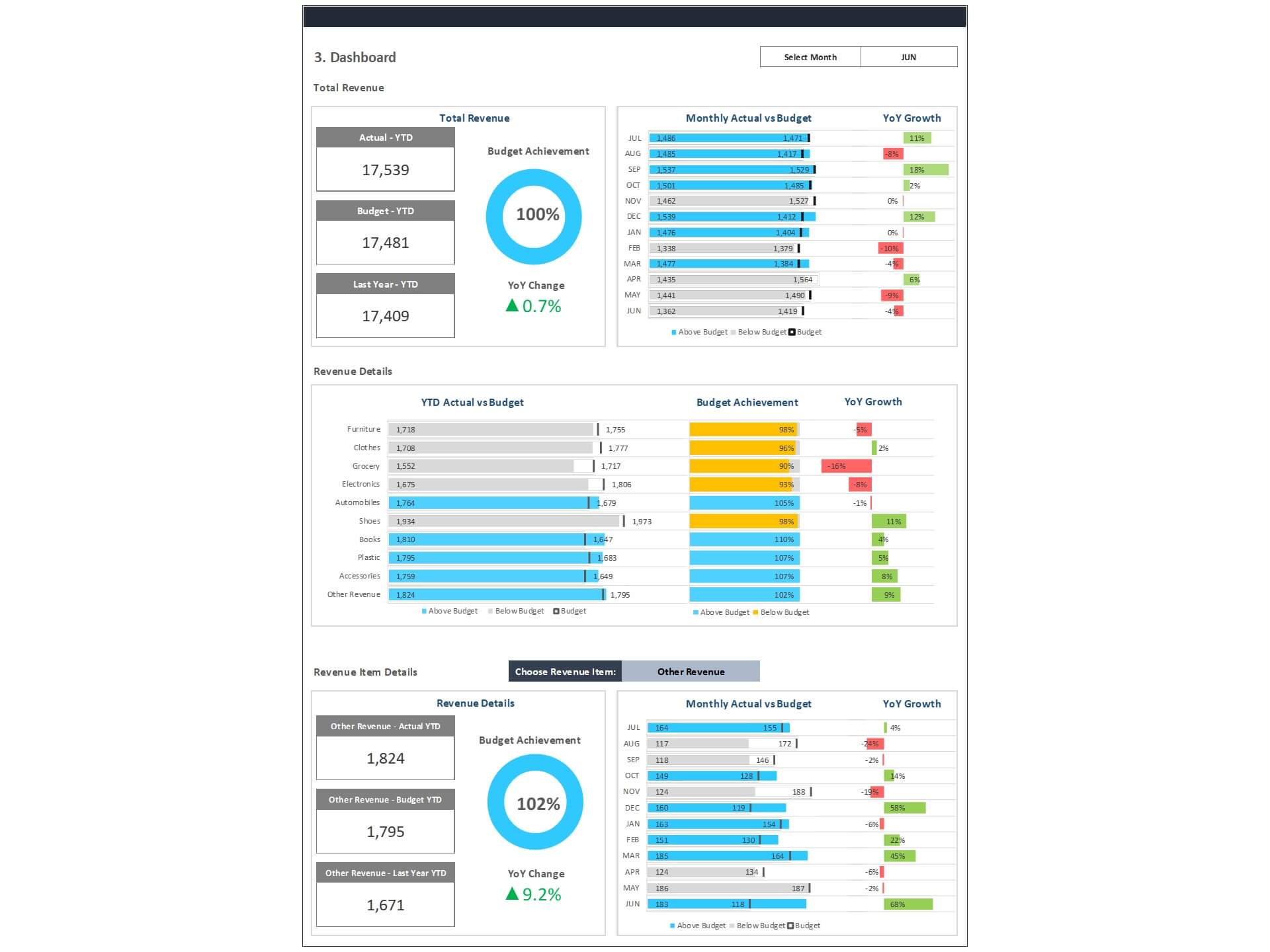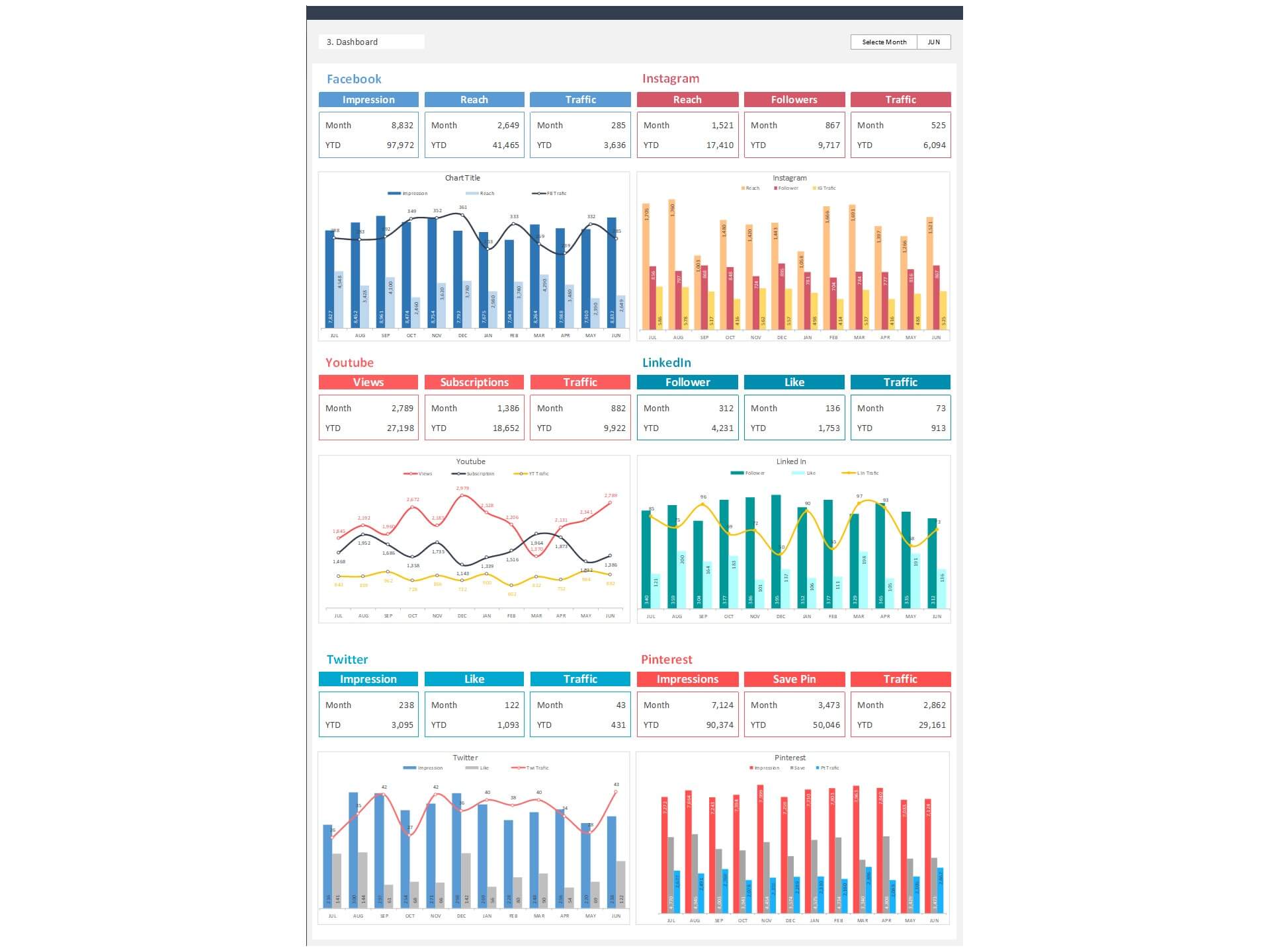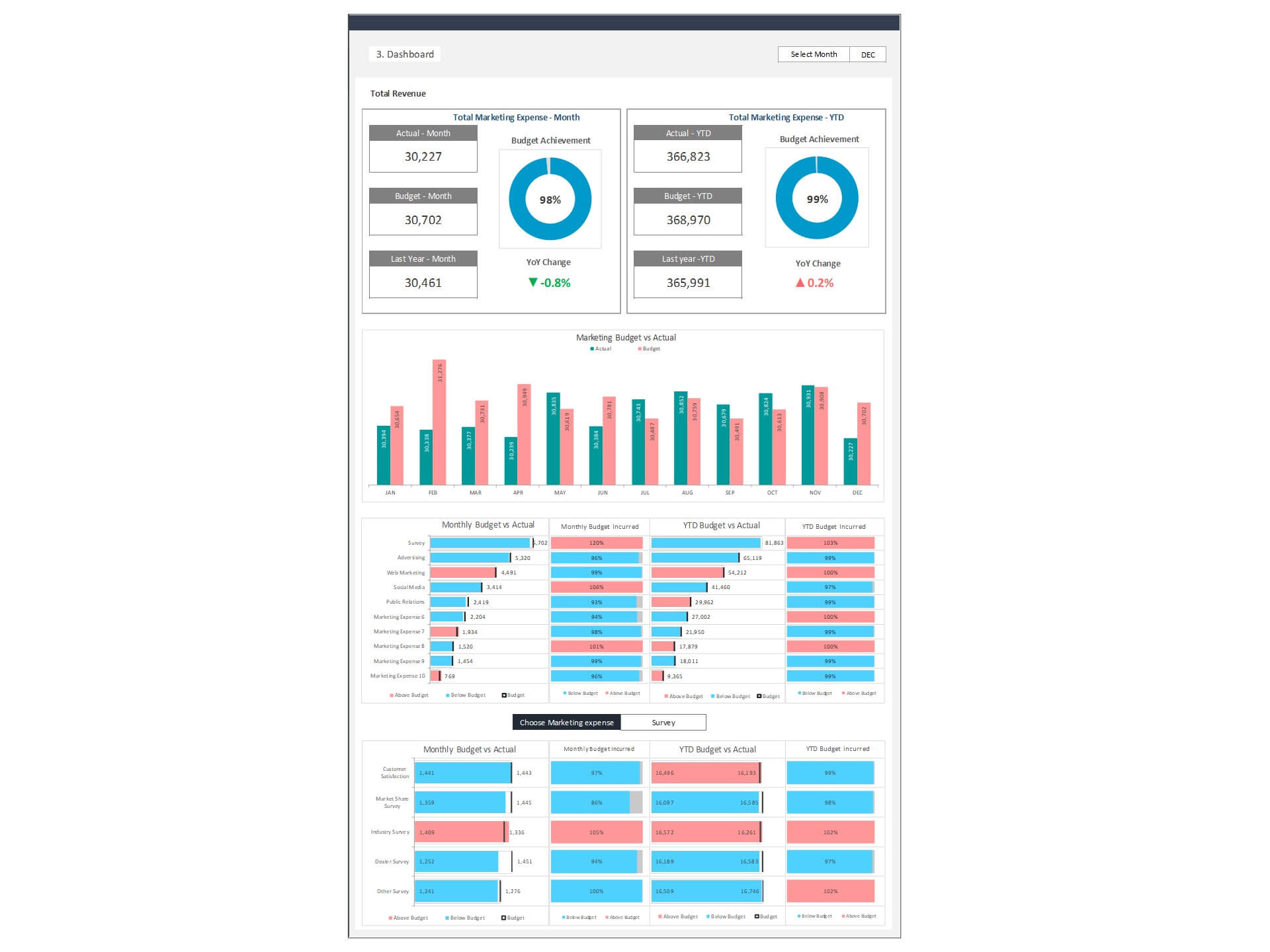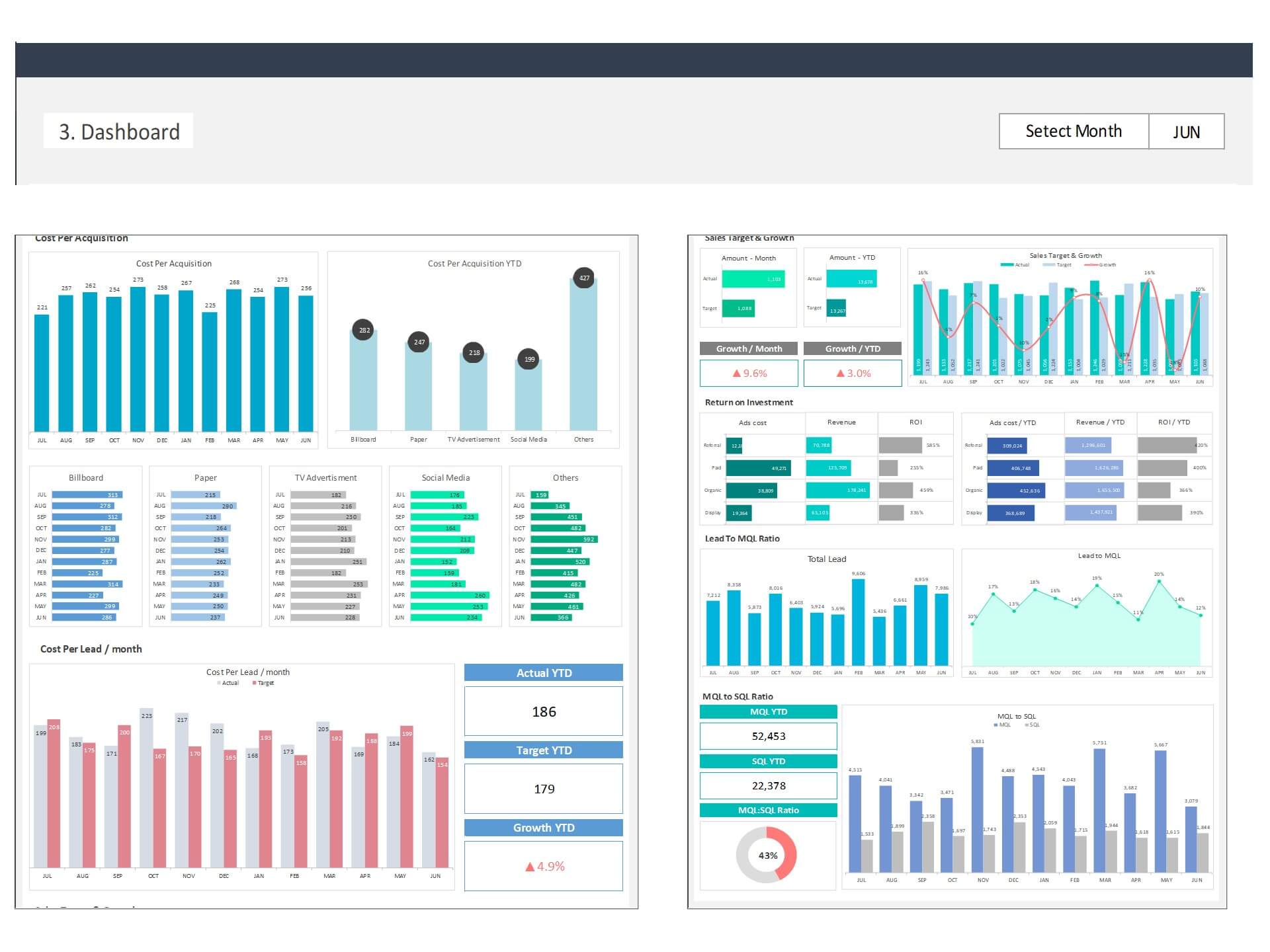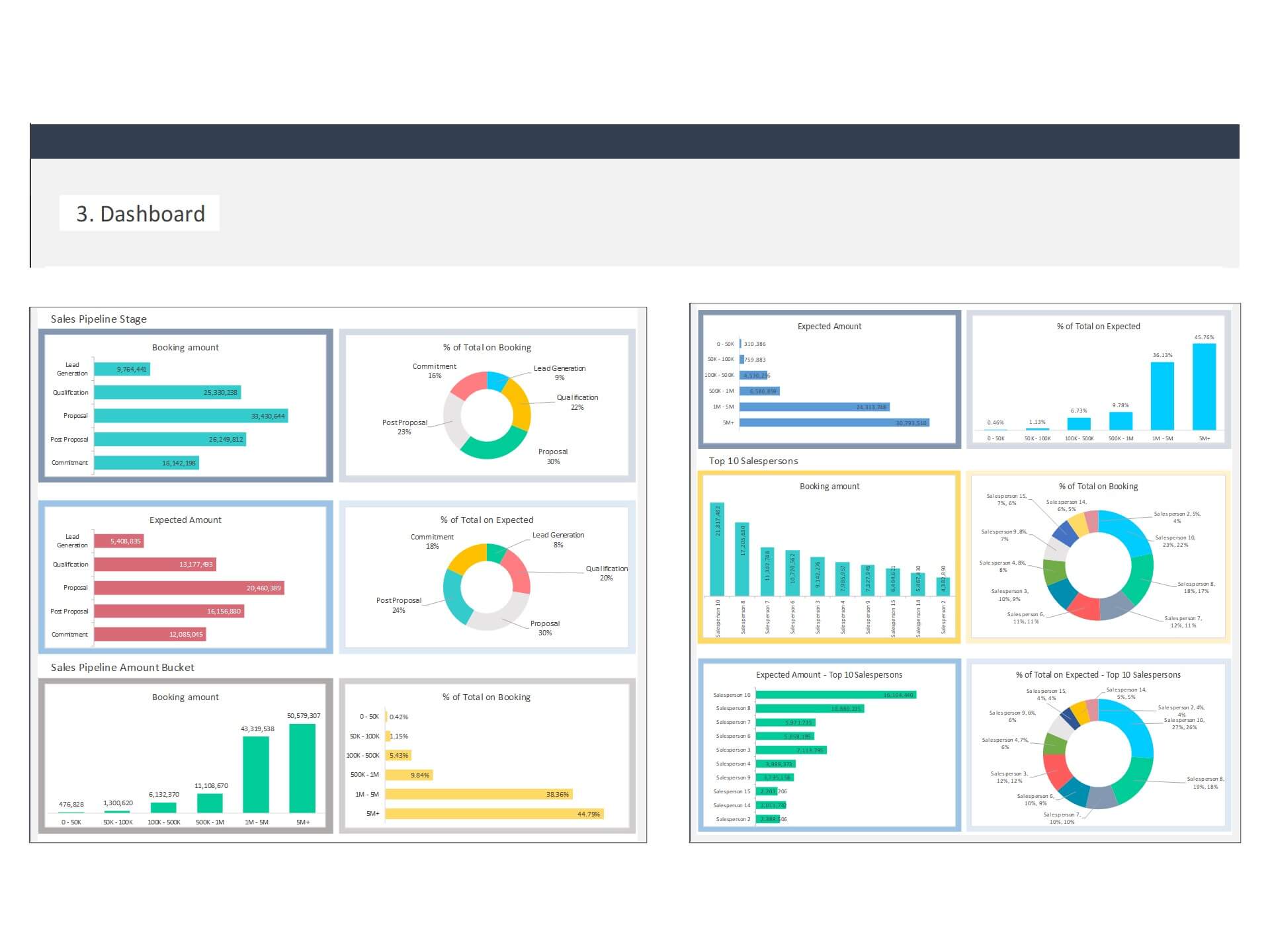
Salesperson Performance Dashboard Excel Template and Google Sheets
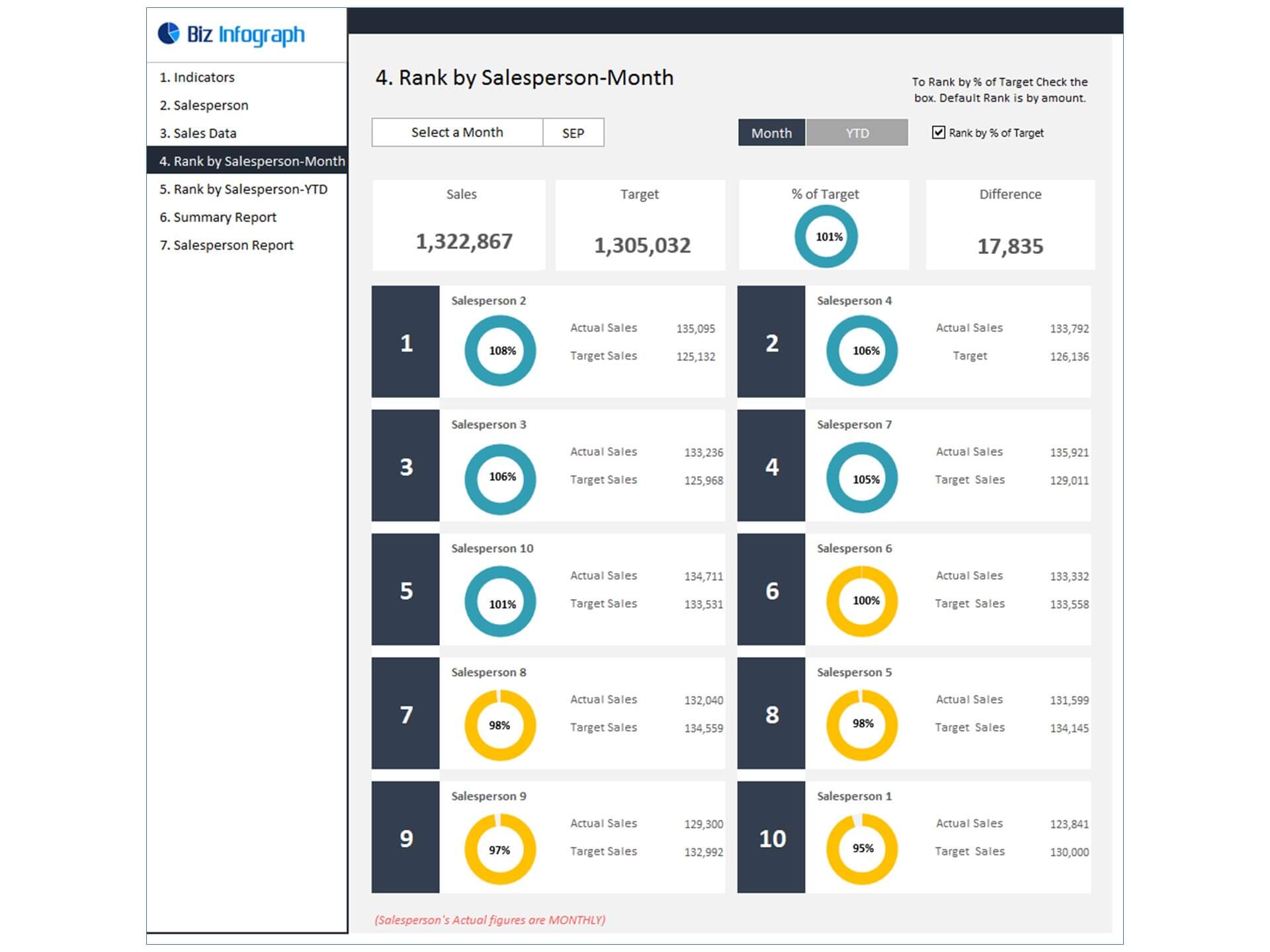
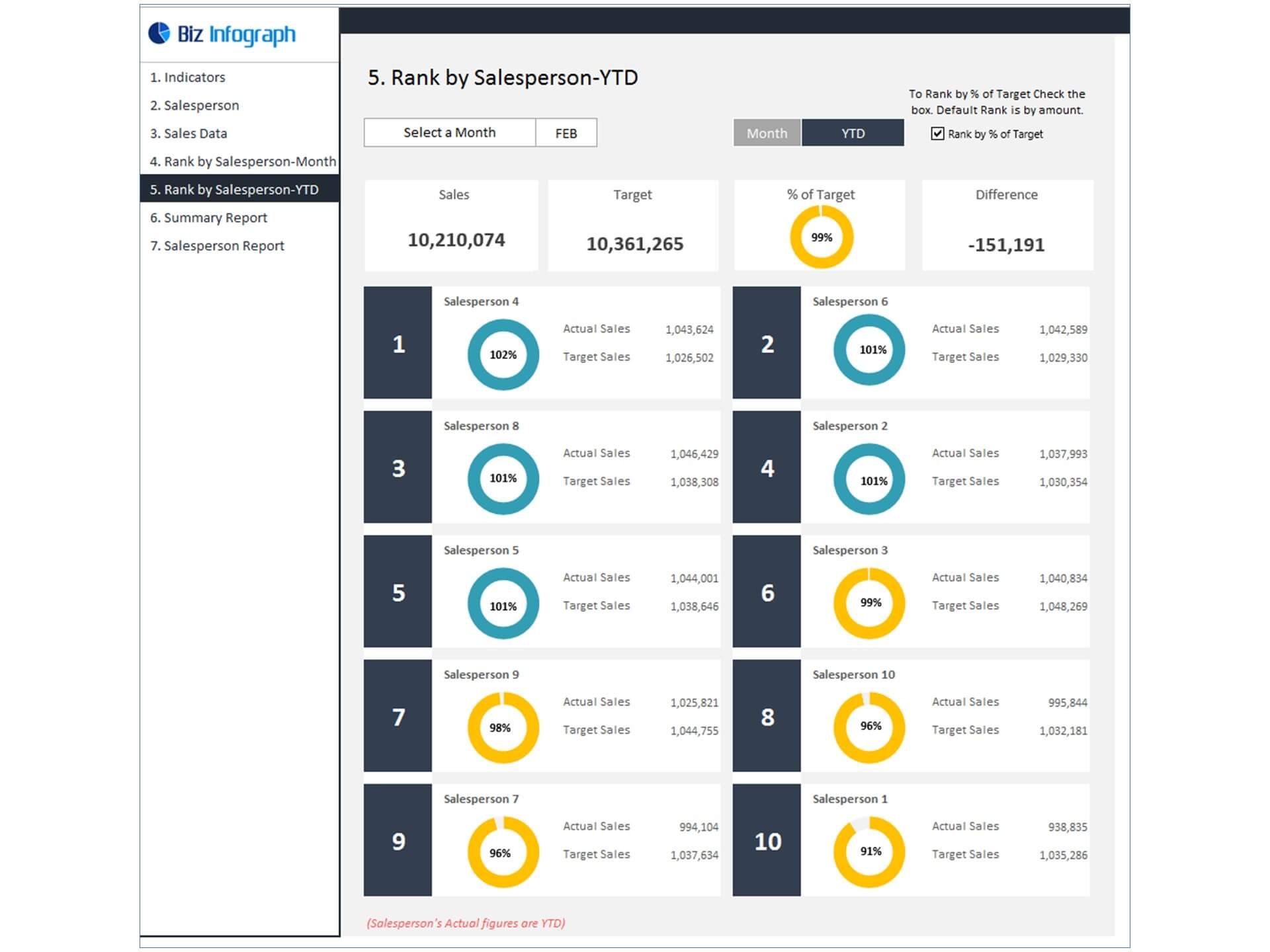
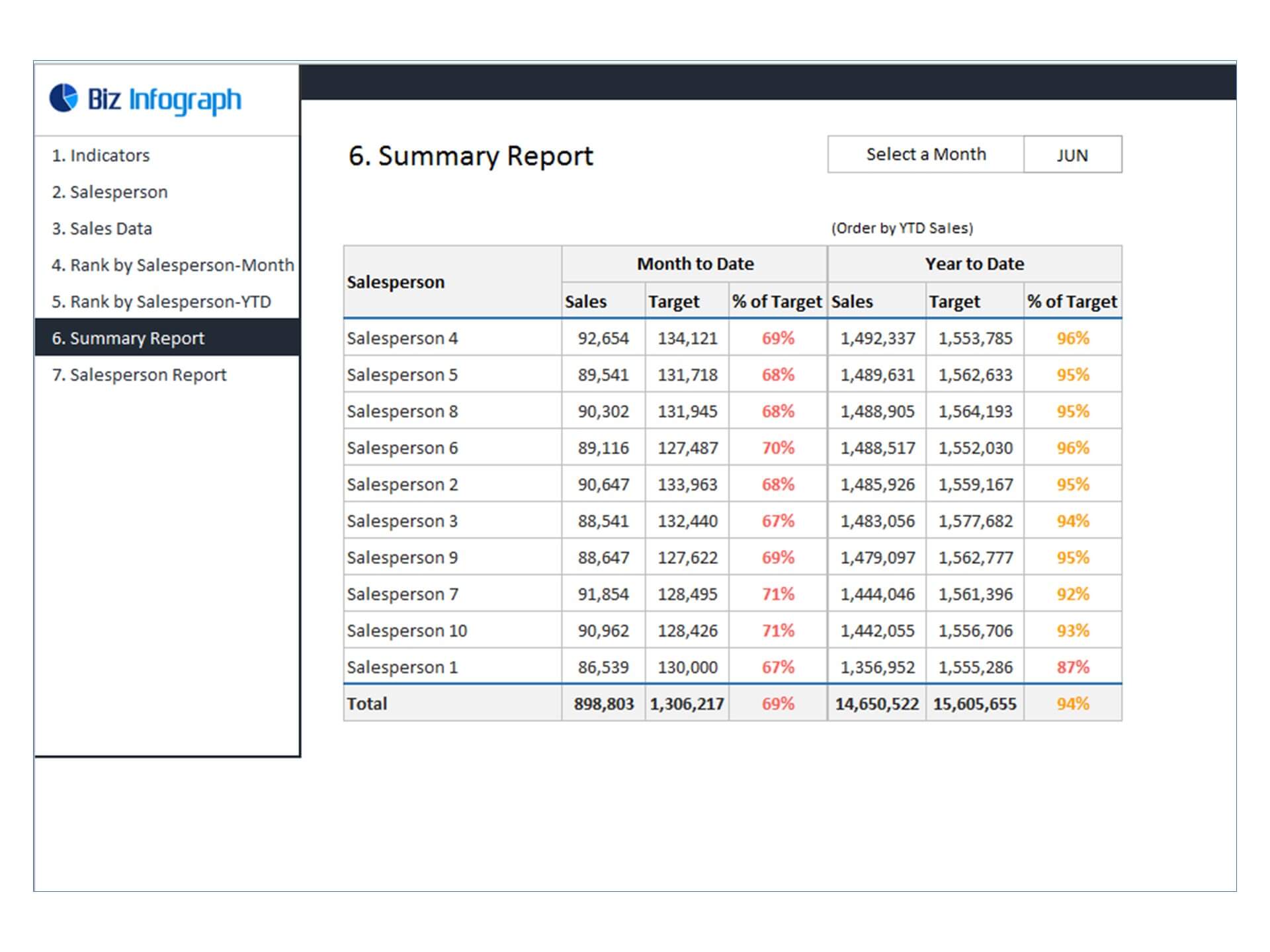
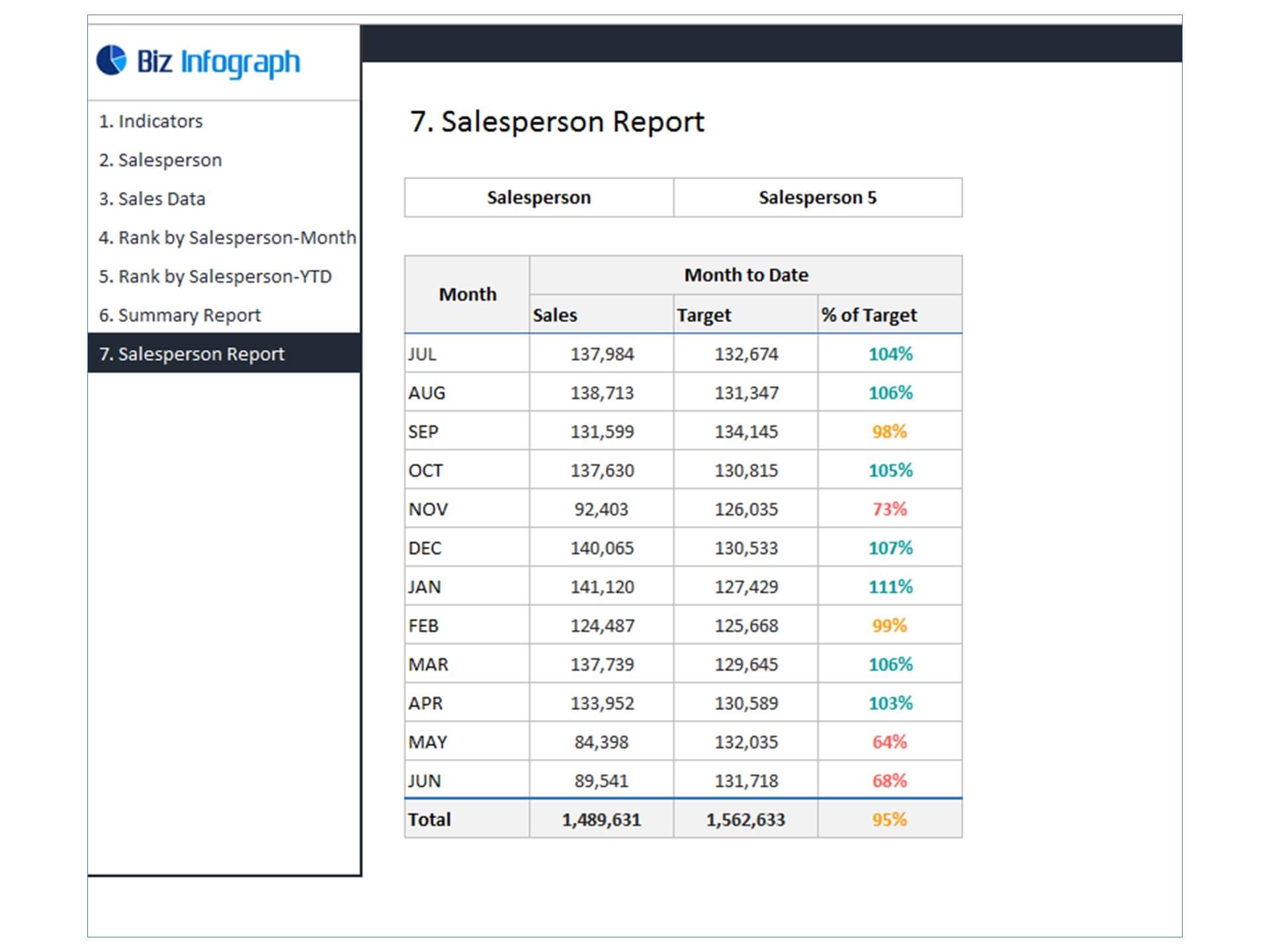
The Salesperson Performance Dashboard Excel Template is a powerful Dashboard in Excel designed to help businesses evaluate and monitor the performance of individual sales representatives. This Salesperson Performance Dashboard provides a clear overview of sales activities, allowing managers to track results and measure productivity across the sales team.
As a comprehensive Sales Dashboard, the template consolidates important data such as total sales achieved, targets met, deals closed, and revenue generated by each salesperson. By highlighting key Sales KPI indicators, the dashboard enables managers to quickly identify top performers and detect areas where additional support or training may be needed.
The template is built as a Dynamic Dashboard, meaning charts and performance metrics automatically update when new sales data is entered. This ensures accurate and up-to-date reporting, helping managers monitor progress and adjust strategies in real time.
Serving as a practical Business Dashboard, it provides valuable insights into overall Sales Performance while also offering a detailed view of individual contributions. With easy-to-read visuals and organized data summaries, the Salesperson Performance Dashboard Excel Template helps businesses improve accountability, motivate sales teams, and drive stronger revenue growth.
Elevate Sales Performance with our Salesperson Performance Dashboard Excel Template
In the fast-paced world of sales, understanding and optimizing your sales team's performance is essential for achieving success. A well-crafted Salesperson Performance Dashboard, also known as a Salesman Dashboard, is a game-changer in this regard. It provides invaluable insights into individual salespersons' achievements, helping you identify strengths, weaknesses, and opportunities for growth.
Our Salesperson Performance Dashboard Excel template is designed to simplify this process, making it accessible to businesses of all sizes. This comprehensive tool empowers you to monitor and analyze the performance of your sales team with ease, enabling data-driven decision-making and the achievement of sales goals.
The Significance of Salesperson Performance Tracking
Before diving into the details of our Salesperson Performance Dashboard, let's first understand why tracking individual salesperson performance is crucial:
- Performance Evaluation: By tracking individual sales performance, you can identify top-performing salespersons and those who may need additional support or training.
- Motivation and Incentives: Transparent performance data motivates your sales team to strive for excellence. It also aids in fair incentive distribution based on actual results.
- Goal Achievement: A clear view of individual contributions helps your business set and achieve sales targets efficiently.
- Training and Development: Weaknesses and areas for improvement become evident through performance tracking, allowing for targeted training and development programs.
- Sales Strategy Optimization: Data on what works and what doesn't helps refine sales strategies, resulting in better customer engagement and increased revenue.
Introducing Our Salesperson Performance Dashboard Excel Template
Our Salesperson Performance Dashboard Excel template is a versatile tool designed to simplify the process of monitoring and analyzing individual sales performance. Whether you're a sales manager, business owner, or sales analyst, this template caters to your specific needs.
Key Features:
1. Individual Salesperson Metrics: Track the performance of each salesperson individually, including sales revenue, lead conversion rates, and more.
2. Visual Reports: Visualizations such as charts and graphs transform complex data into easy-to-understand insights, facilitating quick decision-making.
3. Customizable Dashboard: Tailor the dashboard to meet your unique requirements. Add or remove components as needed to focus on critical metrics.
4. Performance Trends: Monitor sales trends over time to identify areas of consistent improvement and potential issues.
5. Sales Targets: Set and track individual and team sales targets to ensure everyone is aligned with your business goals.
6. User-Friendly Interface: Our template is user-friendly, complete with clear instructions, ensuring that you don't need to be an Excel expert to use it effectively.
How Our Salesperson Performance Dashboard Empowers Your Business
Now, let's explore how our Excel template empowers your business by offering insights into key salesperson performance metrics:
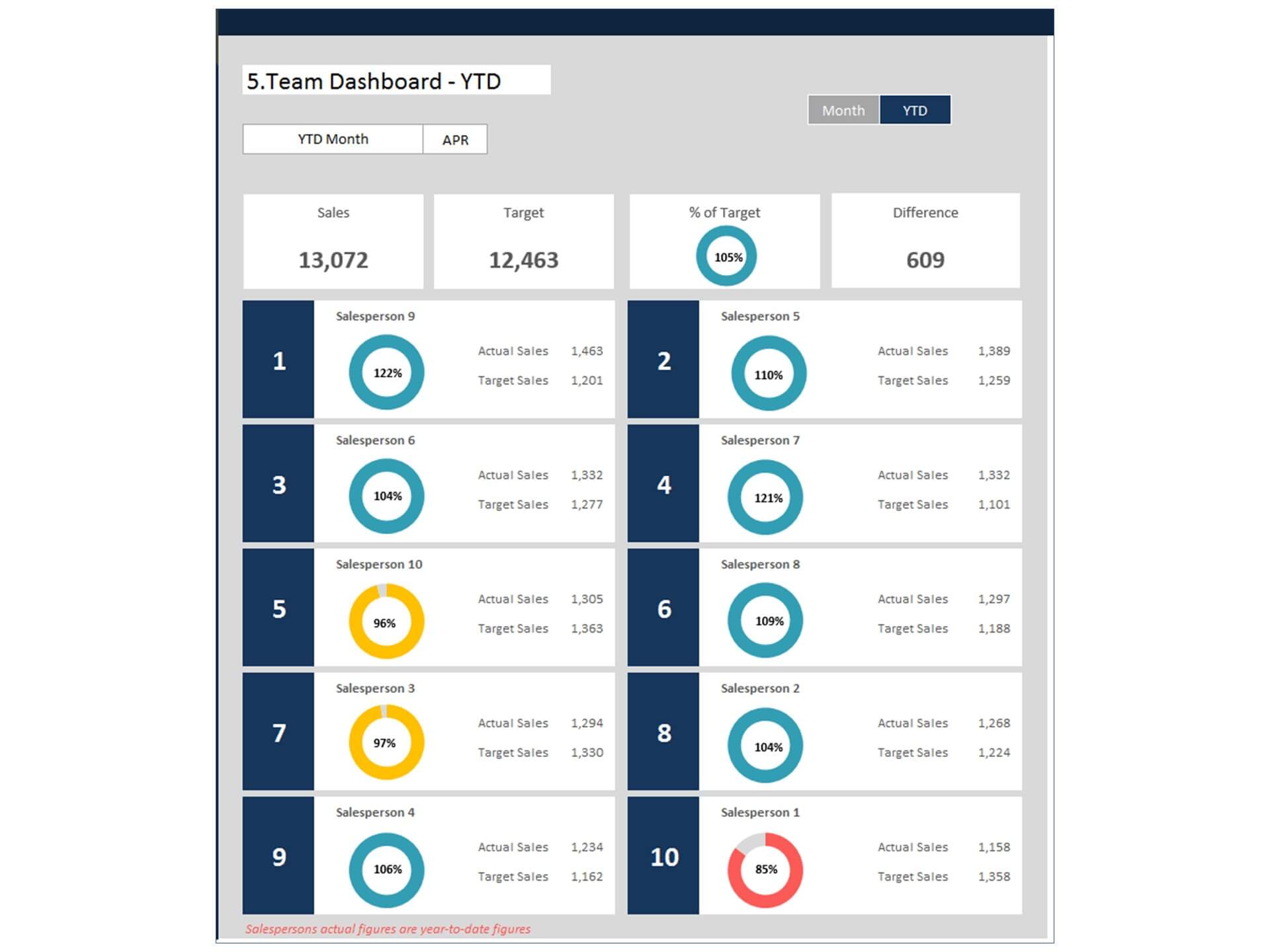
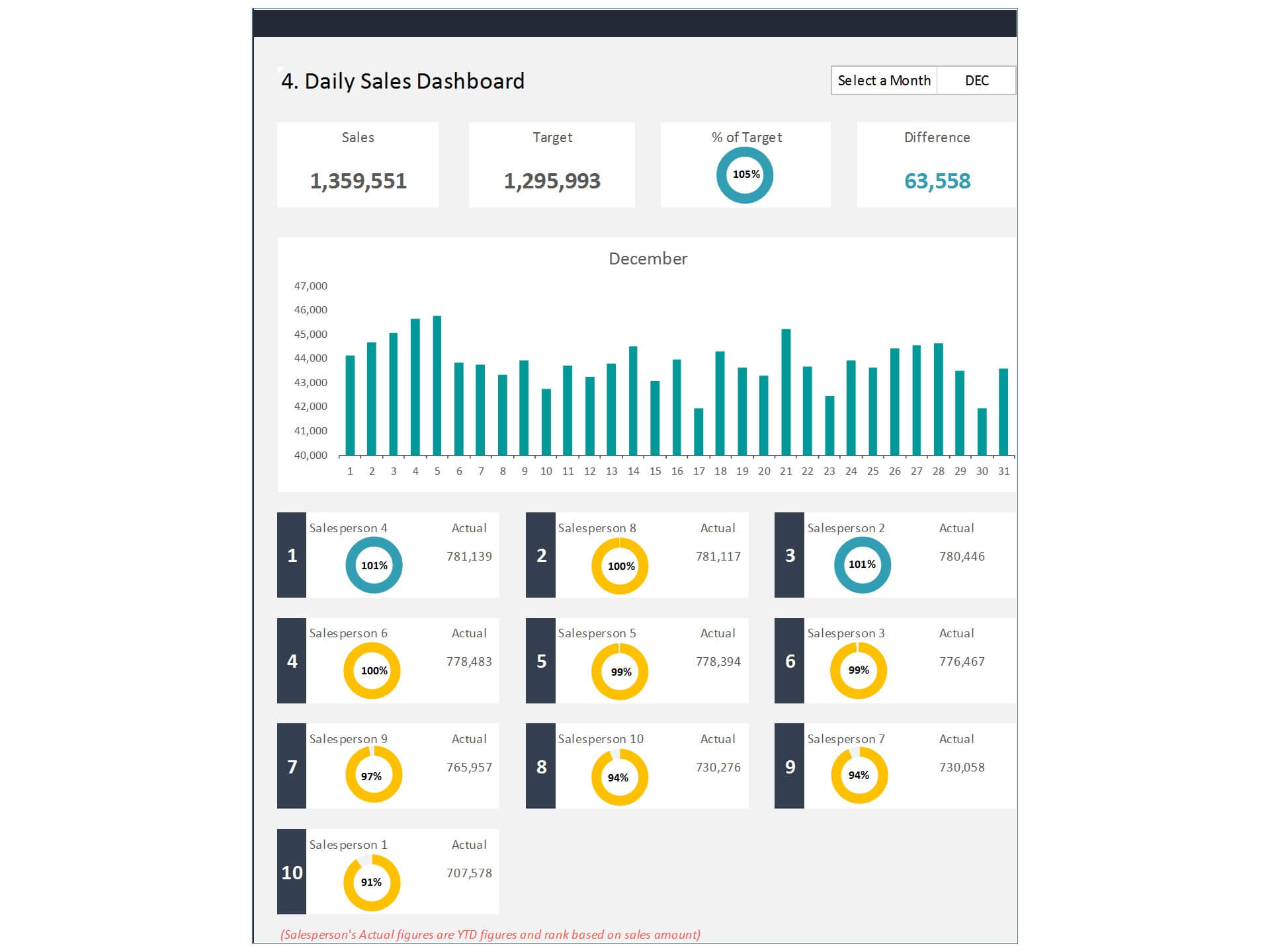
1. Individual Sales Performance: Gain a clear understanding of each salesperson's contribution, including revenue generated, deals closed, and the number of leads converted.
2. Sales Targets Achievement: Ensure that your sales team is on track to meet or exceed their assigned sales targets.
3. Performance Trends: Recognize trends in individual performance, allowing you to address issues promptly and reinforce successful strategies.
Getting Started with Our Salesperson Performance Dashboard
Utilizing our Salesperson Performance Dashboard Excel template is straightforward, even for those with limited Excel experience. Here are the steps to begin:
- Download the Template: Visit our website and download the Salesperson Performance Dashboard Excel template.
- Input Sales Data: Enter sales data for each salesperson, including revenue, leads, and deals closed, into the template.
- Set Targets: Establish individual and team sales targets based on your business goals.
- Update Regularly: Keep the dashboard up to date by entering new sales data regularly to ensure accurate performance tracking.
- Analyze and Act: Leverage the visual reports and insights generated by the template to make informed decisions and take actions that drive sales growth.
In today's competitive business landscape, optimizing sales team performance is essential for sustainable growth. Our Salesperson Performance Dashboard Excel template empowers businesses to achieve this efficiently and effectively. Whether you're a business owner looking to boost sales or a sales manager striving to lead your team to success, our template is designed to help you excel. Take control of your salesperson performance tracking and elevate your business to new heights with our Salesperson Performance Dashboard.
Key Features of Dashboard Template:
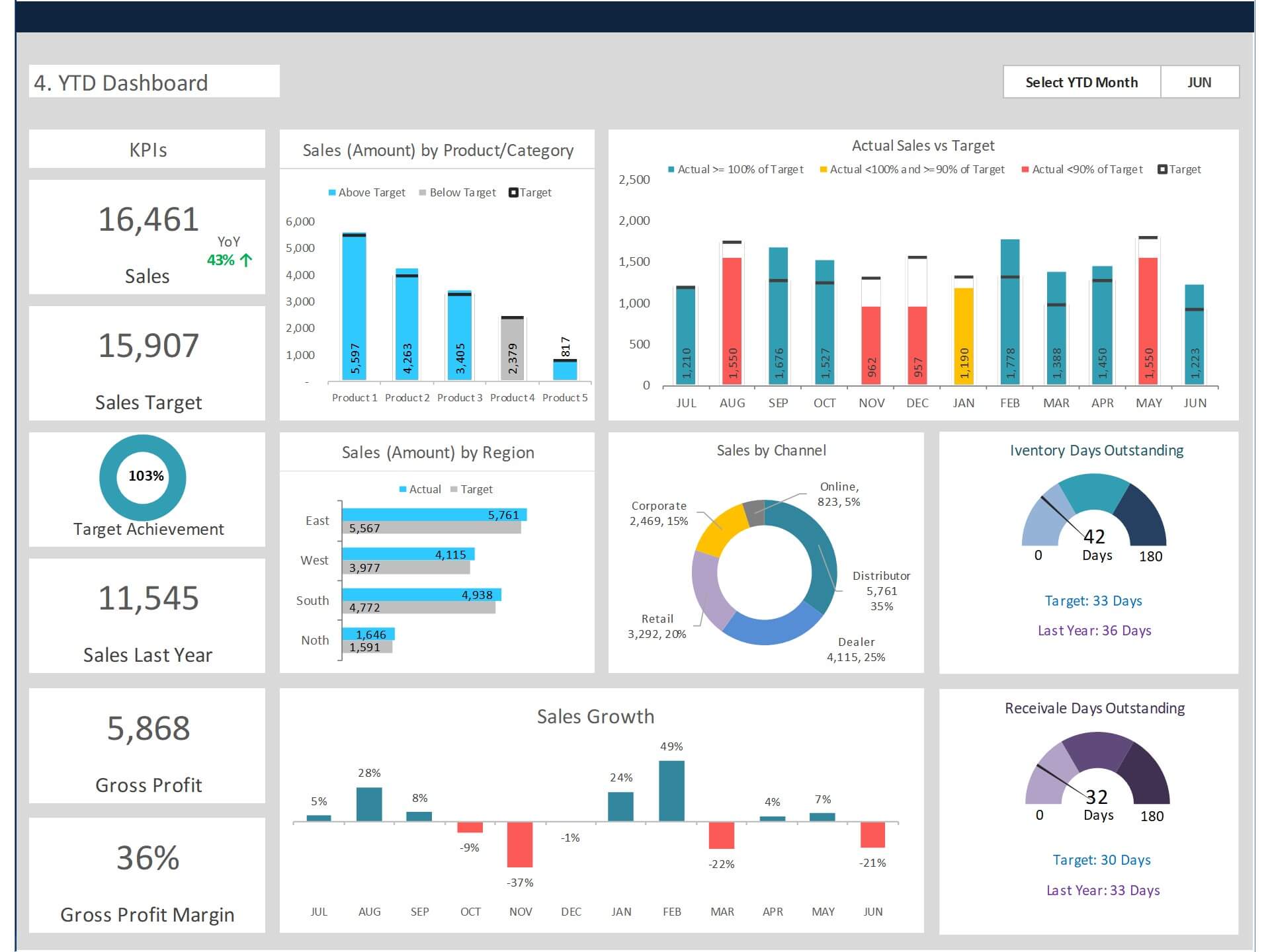
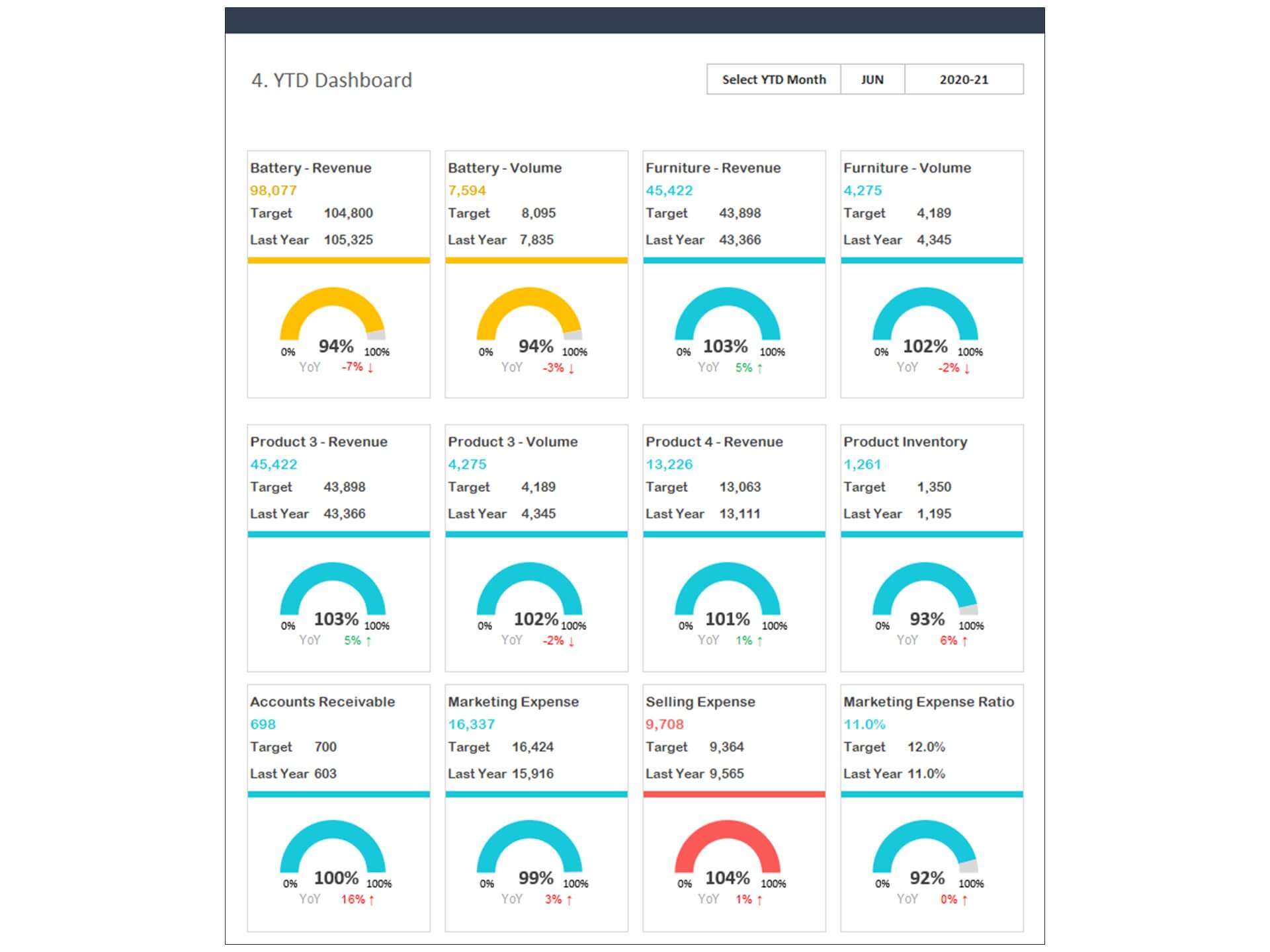
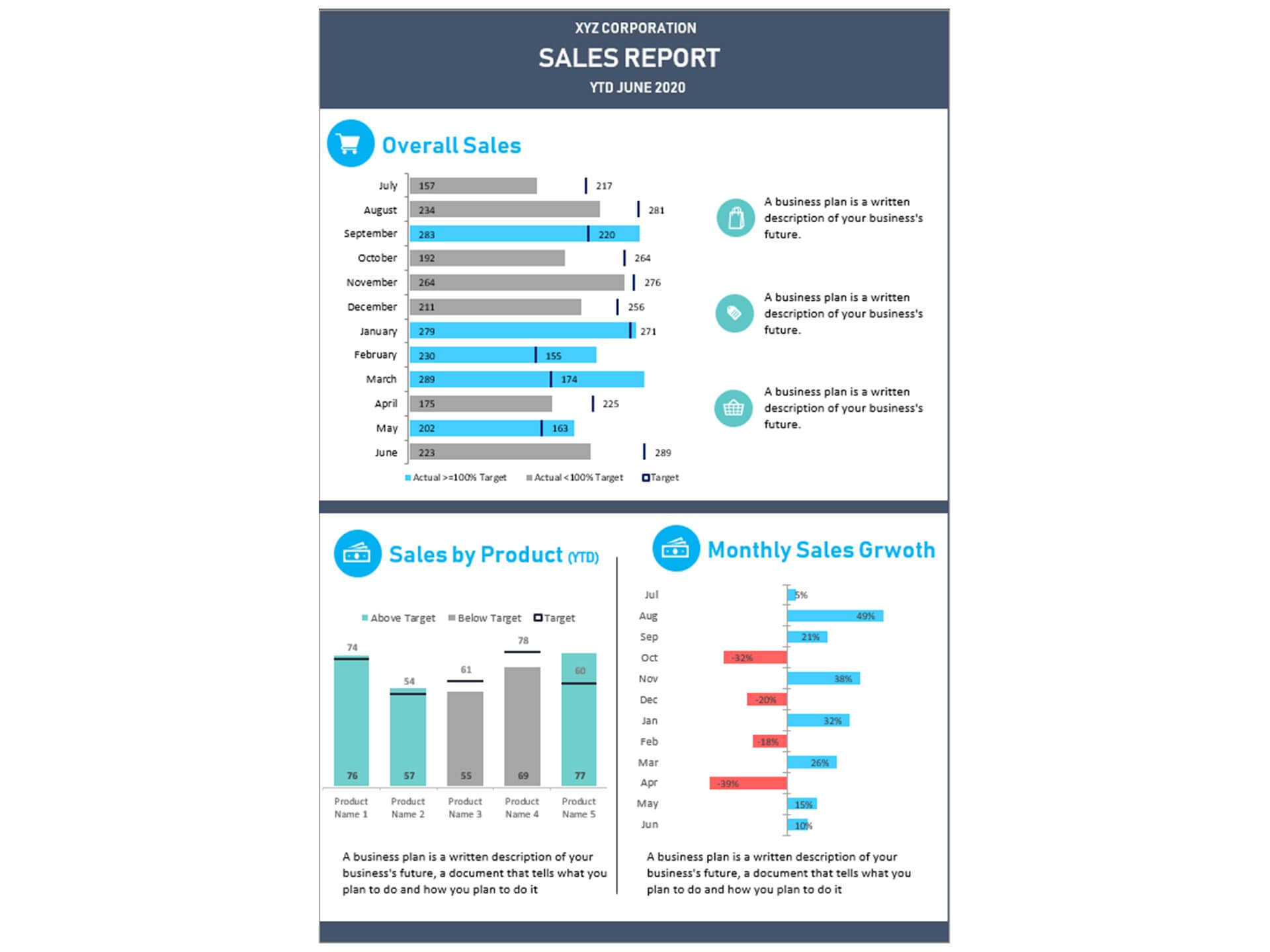
- Provides key sales insights for the CEO and sales team with details of total sales, sales by product/category, sales by channel, profitability, and receivables
- Quickly and easily communicate to salespersons
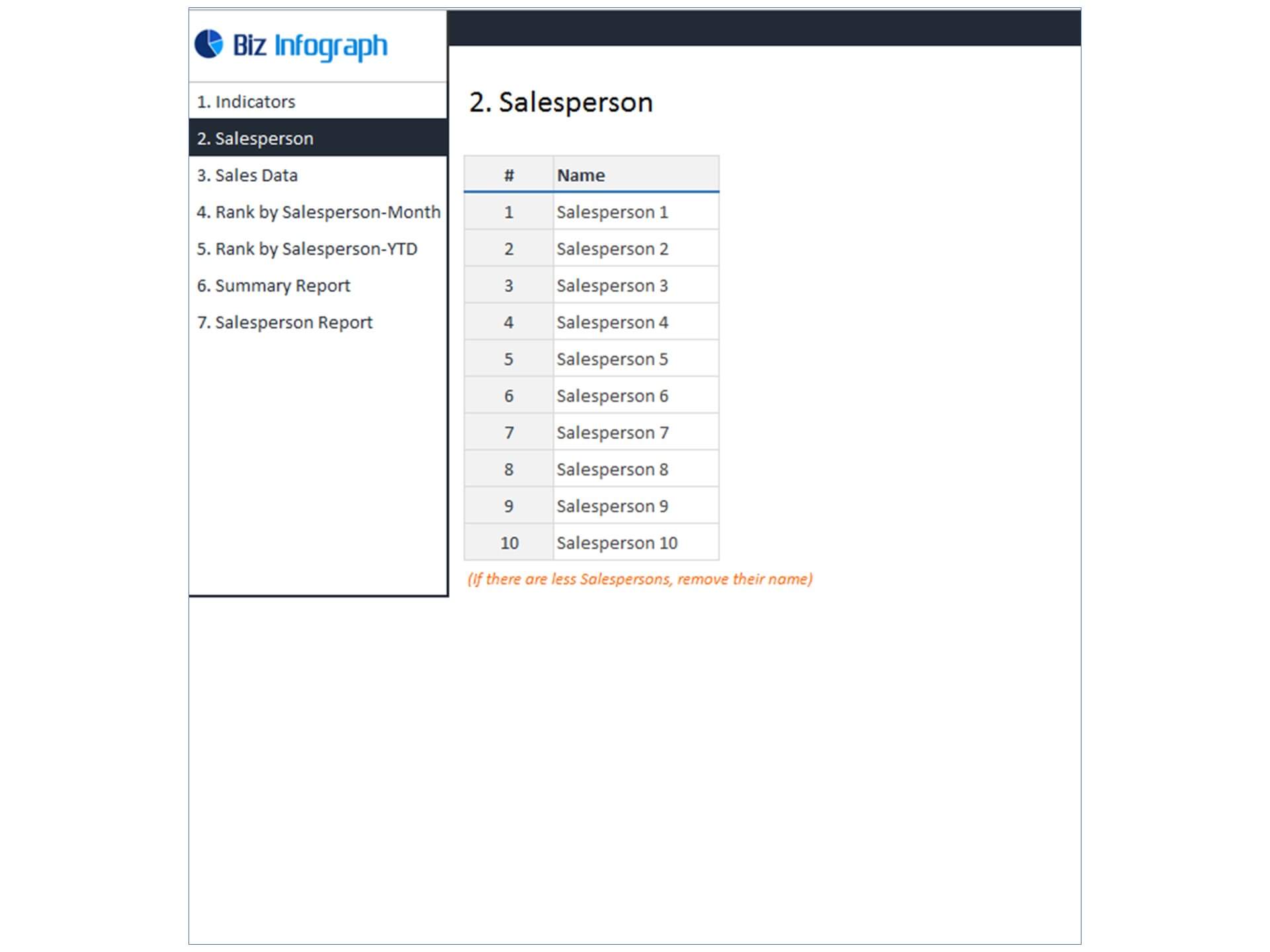
- Flexibility to add up to 20 salespersons data in the template
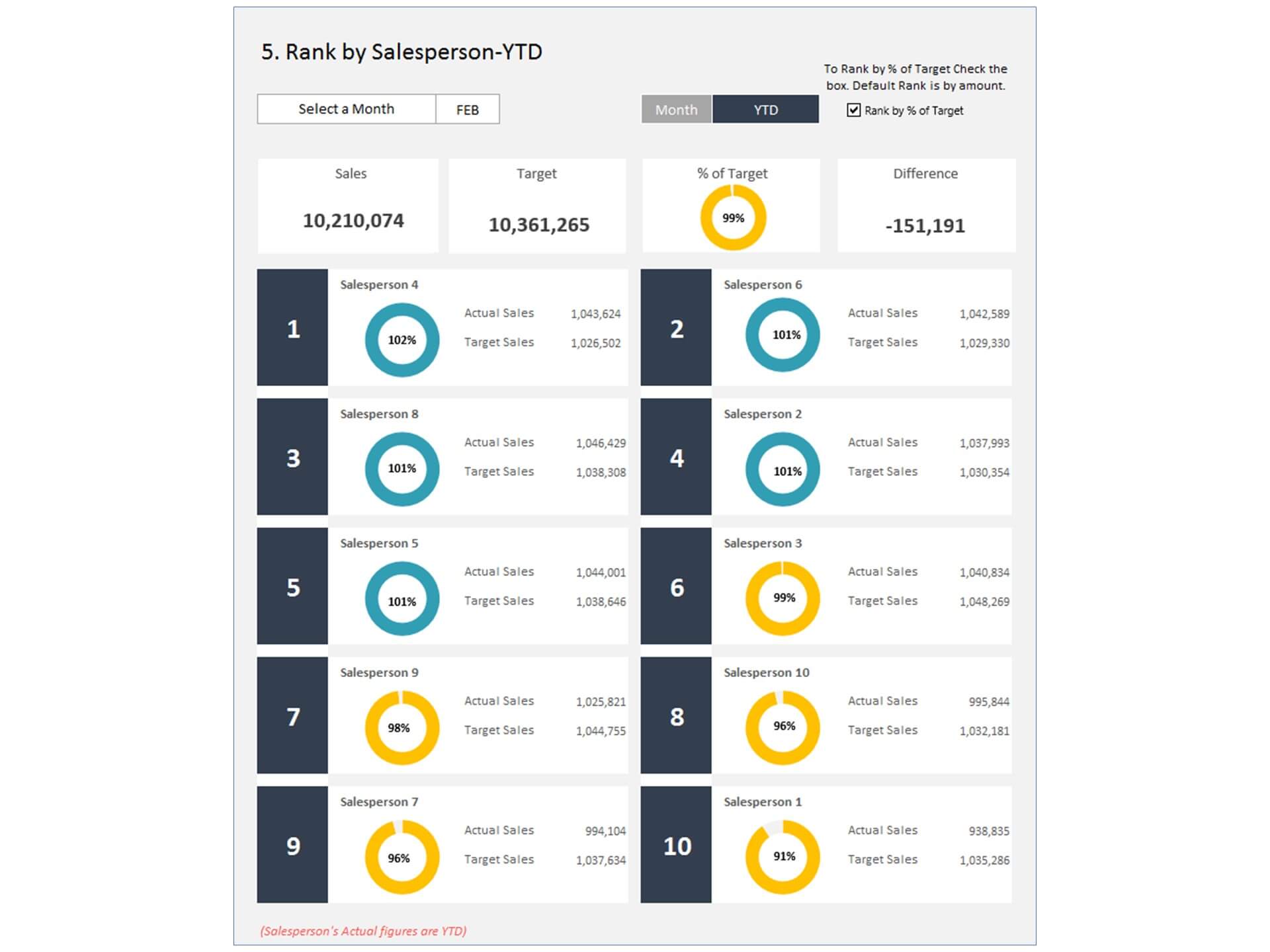
- Visualize overall sales performance
- Fully editable, easy to use, template with sample data
- Eye-catching design and customizable
- Change the sample data with your data
- Spreadsheets ready for printing without Biz Infograph logo
- Consolidate key financial performance indicators in one dashboard
- No monthly fees
- Immediate download
- No VBA, no Macro
- No installation necessary
- Professionally designed
What is included in salesman dashboard template?
- Just plug your data, the dashboard will be ready instantly and start using.
- A text file which contains a password to view and edit the formula
- A guide to unlocking all the elements in the dashboard
Professional Support:
- Video tutorial guide on how to navigate and use the Sales Tracking Dashboard Template
- Professional service to customize dashboard template in excel as per business need
- Help and support in post-purchase
- Payment secured by Stripe and PayPal (no PayPal account needed)
A brief guide to using the dashboard template:
- Open the dashboard template
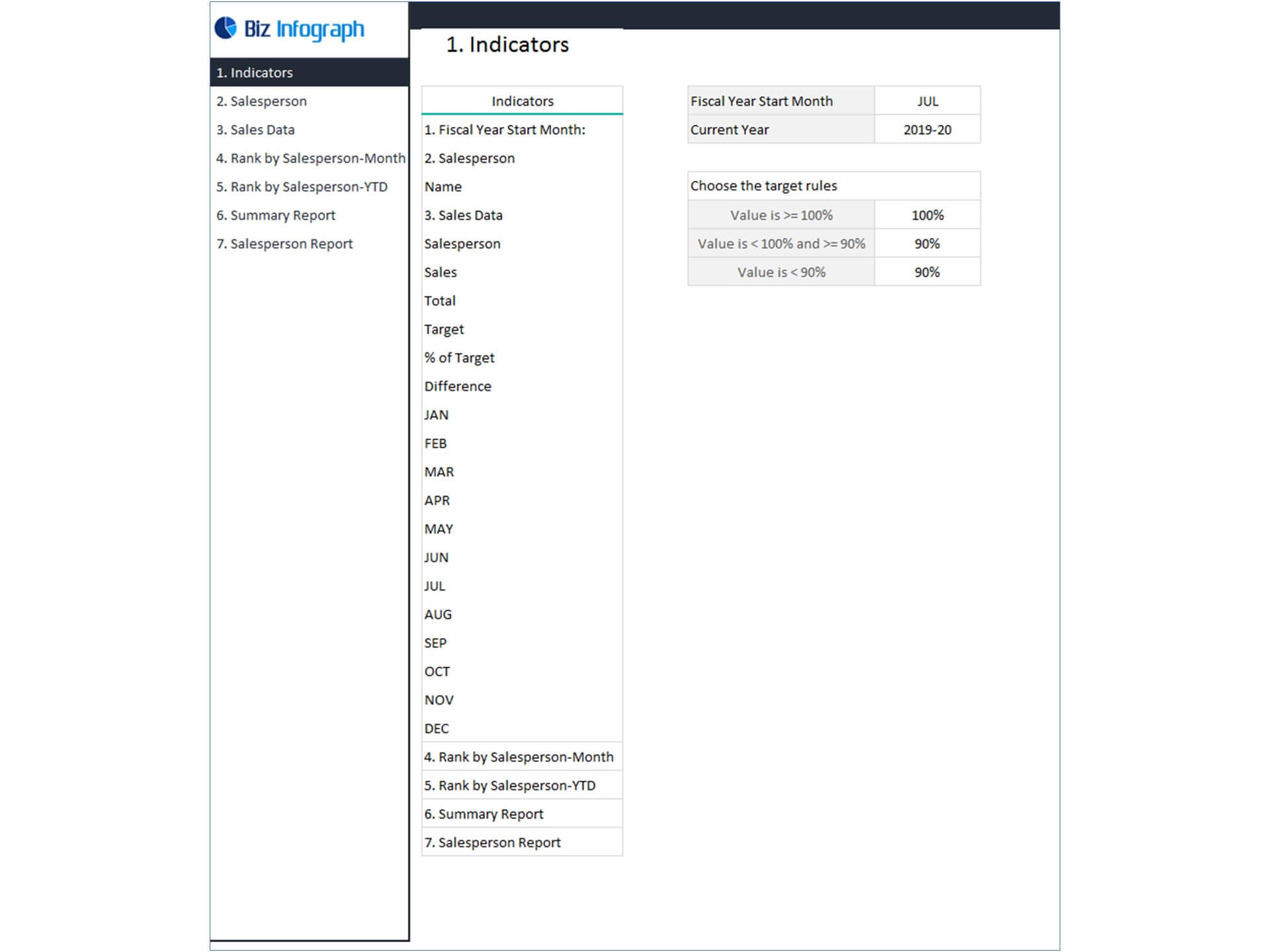
- Go to ‘Indicators’ menu – choose the start month of the fiscal year (i.e. Jan, Feb, Jul, etc.)
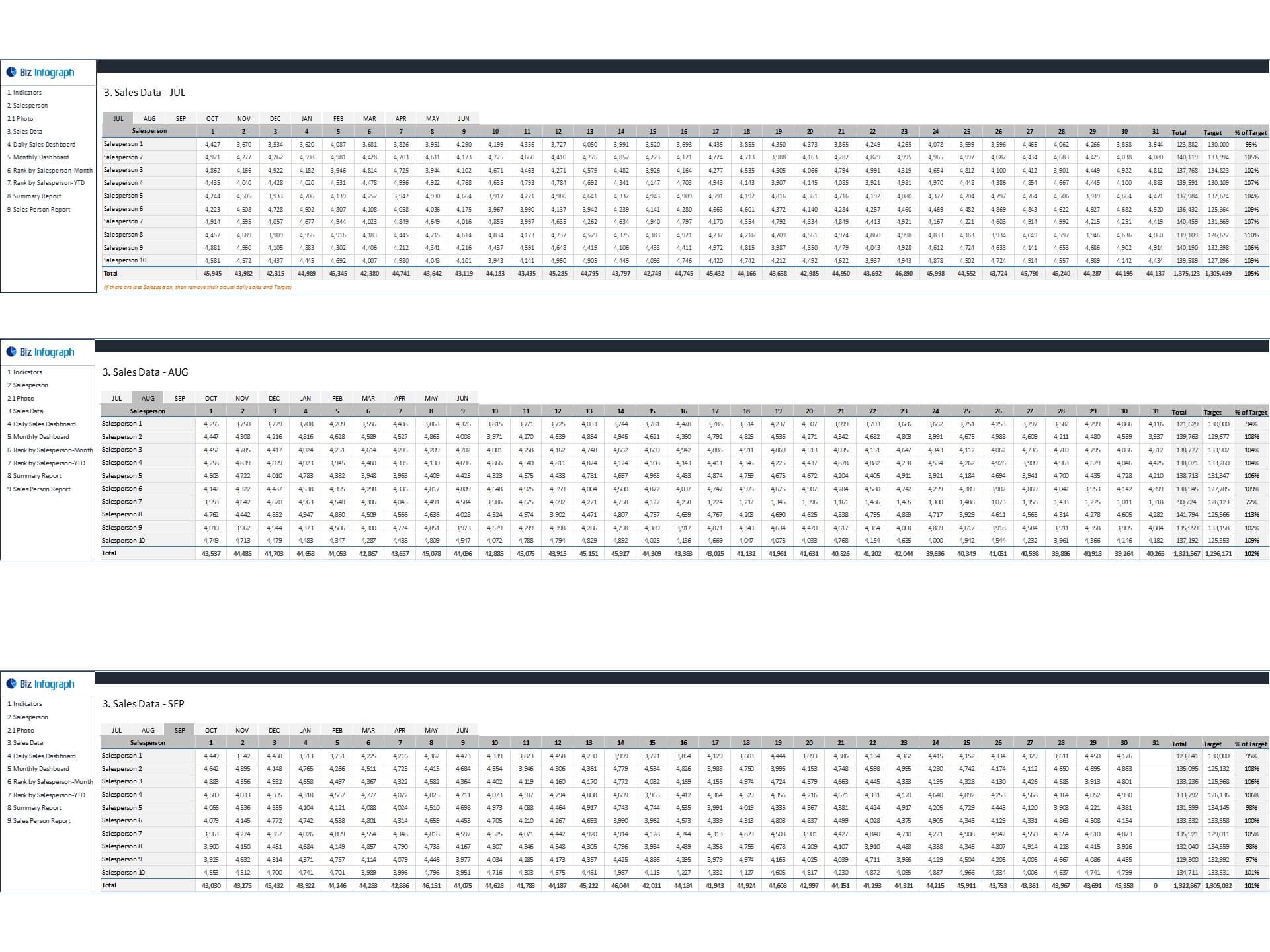
- Go to the ‘Enter Data’ menu – remove the sample data and give your actual data in the respective cells. Formula cells are locked, and you cannot edit it without a password.
- Go to the ‘Monthly Dashboard’ menu – select the month name from the drop-down to see the monthly picture of performance indicators
- Go to ‘YTD Dashboard’ menu - select month name from the drop-down to see the year-to-date picture of performance indicators
- Each page is ready for printing – just press CTRL+P
This Excel dashboard template is password-protected to avoid mistakes, such as accidentally deleting formulas. When you completed the purchase, the password will be available.
For ready-to-use Dashboard Templates: