
Understanding the Sales and Distribution Performance Dashboard
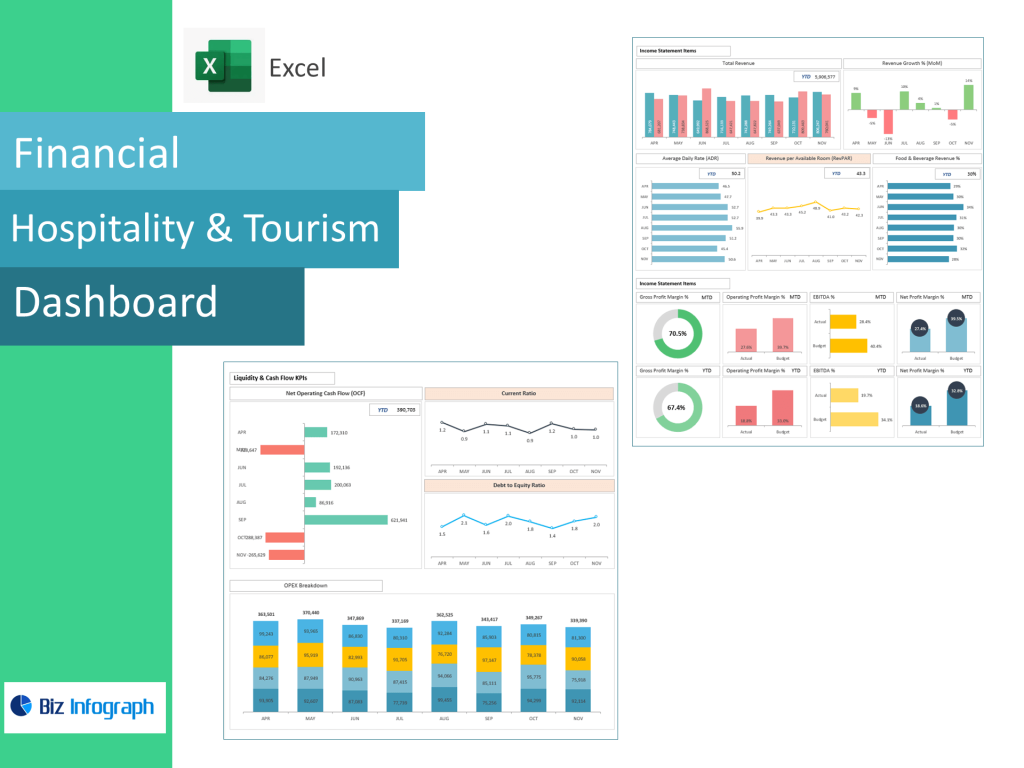
How a Performance Dashboard Improves Sales Performance and Team Performance
A sales and distribution performance dashboard is a visual management tool that helps organizations monitor sales performance and team performance in a structured, data-driven way. A performance dashboard is a visual interface that consolidates sales data, performance indicators, and trends into a single view, enabling sales leaders to quickly assess how their teams are performing. By tracking sales targets, revenue goals, and pipeline activity, the dashboard helps identify performance gaps and improvement opportunities.
The dashboard gives sales leaders visibility into team dynamics and individual performance. Instead of relying on disconnected reports, leaders can analyze performance trends in real time and compare results across regions, products, or sales reps. Dashboards help track progress against sales goals, evaluate effectiveness of sales efforts, and ensure alignment between sales operations and broader business objectives. This clarity supports effective sales execution and drives consistent sales growth.
Role of a Sales Performance Dashboard in Supporting Sales Teams
A sales performance dashboard plays a critical role in empowering sales teams with actionable insights. Sales teams need timely information to adjust strategies, prioritize opportunities, and improve results. The dashboard helps sales teams understand how daily activities translate into revenue outcomes by linking sales activity data with sales targets and revenue performance.
By visualizing key performance indicators, the dashboard helps sales teams focus on must-have sales metrics rather than guesswork. It supports individual sales reps by highlighting strengths and areas for improvement, while also enabling managers to coach effectively. The dashboard helps sales teams align efforts with revenue goals and improve accountability. With a clear view of performance, sales teams can make informed decisions and execute more effectively in competitive markets.
Dashboard Examples That Show Sales Performance and Distribution Metrics
Dashboard examples illustrate how sales and distribution performance dashboards can be designed to address real-world needs. Common examples include dashboards that show sales funnel progression, pipeline performance, revenue dashboards, and sales activity dashboards. These examples demonstrate how data visualization transforms raw sales data into meaningful insights.
Performance dashboard examples often include charts comparing sales targets versus actuals, trends in lost sales, and breakdowns of sales opportunities by stage. By reviewing dashboard examples, organizations can identify best practices for layout, metric selection, and visualization techniques. These examples highlight how dashboards go beyond reporting to support decision-making, performance analysis, and continuous improvement.
Sales Metrics, KPIs, and Performance Tracking
Key Metrics and KPIs Used in a Sales Dashboard
A Sales and Distribution Performance Dashboard focuses on key performance indicators (KPIs) that reflect sales effectiveness and efficiency. These include sales growth, revenue attainment, conversion rates, pipeline value, and sales cycle length. Key metrics also cover individual performance, such as quota attainment and activity levels, providing insight into both outcomes and effort.
By tracking performance indicators consistently, dashboards enable sales leaders to analyze performance objectively. Metrics like comparative performance across teams or regions help identify best practices and performance gaps. A well-designed dashboard ensures that sales teams focus on metrics that drive results rather than vanity metrics. These KPIs form the foundation for effective sales dashboards and support data-driven sales management.
Sales Pipeline and Sales Opportunities Tracking with a Sales Pipeline Dashboard
A sales pipeline dashboard provides visibility into sales opportunities as they move through different stages of the sales funnel. This dashboard tracks pipeline performance by showing deal counts, values, and conversion rates at each stage. Understanding the stages of the sales process helps sales leaders forecast revenue and identify bottlenecks.
By monitoring sales opportunities in real time, sales teams can prioritize high-value deals and address stalled opportunities. The dashboard helps track pipeline health and supports proactive sales operations. This visibility ensures that sales efforts are aligned with revenue goals and reduces the risk of lost sales due to neglect or misalignment.
Measuring Sales Rep and Sales Team Performance Using KPIs
Measuring sales rep and sales team performance requires a balanced set of KPIs that capture both activity and outcomes. Dashboards allow organizations to evaluate individual sales performance alongside team performance, providing context and fairness. Metrics like deal win rates, average deal size, and activity levels offer insight into effectiveness.
By comparing individual performance against team averages, dashboards support coaching and development. Sales managers can identify high performers and replicate successful behaviors across the team. This structured approach to performance measurement improves accountability, motivation, and overall sales results.
Sales Dashboards, Salesforce, and Visualization
Using Salesforce Dashboard and Salesforce Data for Sales Performance
A Salesforce dashboard integrates CRM data into a centralized sales performance view. By leveraging Salesforce data, organizations can track sales activities, opportunities, and pipeline performance in real time. Salesforce dashboards provide a reliable source of truth for sales operations and reporting.
Salesforce dashboards support sales and marketing alignment by connecting lead generation efforts with sales outcomes. This integration helps sales leaders analyze performance trends and adjust strategies accordingly. Using Salesforce dashboards ensures consistency and accuracy in sales reporting and enhances visibility across the organization.
Data Visualization Techniques in Sales Dashboard Examples
Data visualization is essential for making sales dashboards effective. Visual elements such as bar charts, line graphs, and funnel diagrams help users interpret complex data quickly. Sales dashboard examples demonstrate how visualization simplifies analysis and highlights key insights.
Effective visualization emphasizes clarity and relevance. Dashboards should present information in a way that guides attention to critical metrics and trends. By using visualization strategically, dashboards transform data into actionable insights and support faster decision-making.
Interactive Dashboard Features for Sales Activity Dashboard
An interactive dashboard enhances user engagement by allowing filtering, drill-downs, and customization. In a sales activity dashboard, interactivity enables users to explore performance by sales rep, region, or product. This flexibility supports deeper analysis and personalized views.
Interactive dashboards allow sales teams to investigate issues independently without relying on static reports. This capability improves responsiveness and encourages data-driven behavior. By enabling interaction, dashboards become practical tools for daily sales management and performance improvement.
Dashboard Templates, Custom Dashboards, and Tools
Using a Template to Create a Sales Performance Dashboard
Using a template accelerates the process to create a sales performance dashboard. Templates provide predefined layouts, metrics, and visualizations based on best practices. This reduces design effort and ensures consistency across dashboards.
Templates are especially valuable for organizations new to dashboards or with limited analytics resources. By starting with a template, teams can focus on customizing metrics to their specific sales needs. Templates support faster adoption and deliver immediate value.
Custom Dashboards and Custom Sales Views for Sales Managers
Custom dashboards allow sales managers to tailor views to their specific responsibilities. Custom sales dashboards may focus on regional performance, individual sales reps, or product lines. This customization ensures relevance and improves usability.
By creating custom dashboards, sales managers gain control over how performance is monitored and communicated. Custom dashboards support targeted coaching, performance reviews, and strategic planning. This flexibility enhances the effectiveness of dashboard software and aligns dashboards with managerial needs.
Dashboard Software That Helps Sales Leaders Monitor Performance
Dashboard software provides the infrastructure for building and maintaining sales dashboards. Modern dashboard software supports real-time data integration, interactive visualization, and scalability. Sales leaders rely on these tools to monitor performance continuously.
By using dashboard software, organizations reduce reliance on manual reporting and improve accuracy. These tools enable consistent tracking of sales and revenue metrics and support data-driven leadership. Effective dashboard software is essential for sustaining high-performance sales operations.
Driving Sales Success and Team Alignment
How a Dashboard Helps Sales Teams Need Better Visibility
Sales teams need visibility to execute effectively. A dashboard helps sales teams by providing a clear view of goals, progress, and challenges. This transparency improves alignment and motivation.
Dashboards help sales teams understand priorities and adjust efforts accordingly. By highlighting performance gaps and opportunities, dashboards support continuous improvement and drive better outcomes.
Performance Dashboard Examples That Support Sales Managers
Performance dashboard examples show how dashboards support sales managers in decision-making. These examples highlight how dashboards track performance trends, identify issues, and evaluate initiatives.
By using performance dashboard examples as references, sales managers can design dashboards that meet their needs. These dashboards support coaching, planning, and accountability.
How Sales Leaders Use Dashboards to Skyrocket Your Sales
Sales leaders use dashboards to align teams, optimize strategies, and drive growth. By analyzing performance data, leaders identify what works and scale successful approaches.
Dashboards help sales leaders make informed decisions, improve execution, and ultimately skyrocket your sales. With the right dashboard, sales performance becomes measurable, manageable, and continuously improvable.
Conclusion
A Sales and Distribution Performance Dashboard is a powerful tool for monitoring sales performance, aligning teams, and driving revenue growth. By combining KPIs, visualization, interactivity, and best practices, dashboards transform sales data into actionable insights that support sustained success.
For ready-to-use Dashboard Templates: